> For the complete documentation index, see [llms.txt](https://documentation.rcore.cz/llms.txt). Markdown versions of documentation pages are available by appending `.md` to page URLs; this page is available as [Markdown](https://documentation.rcore.cz/paid-resources/rcore_pingpong/spawning-a-pong-table.md).
# Spawning a Pong Table
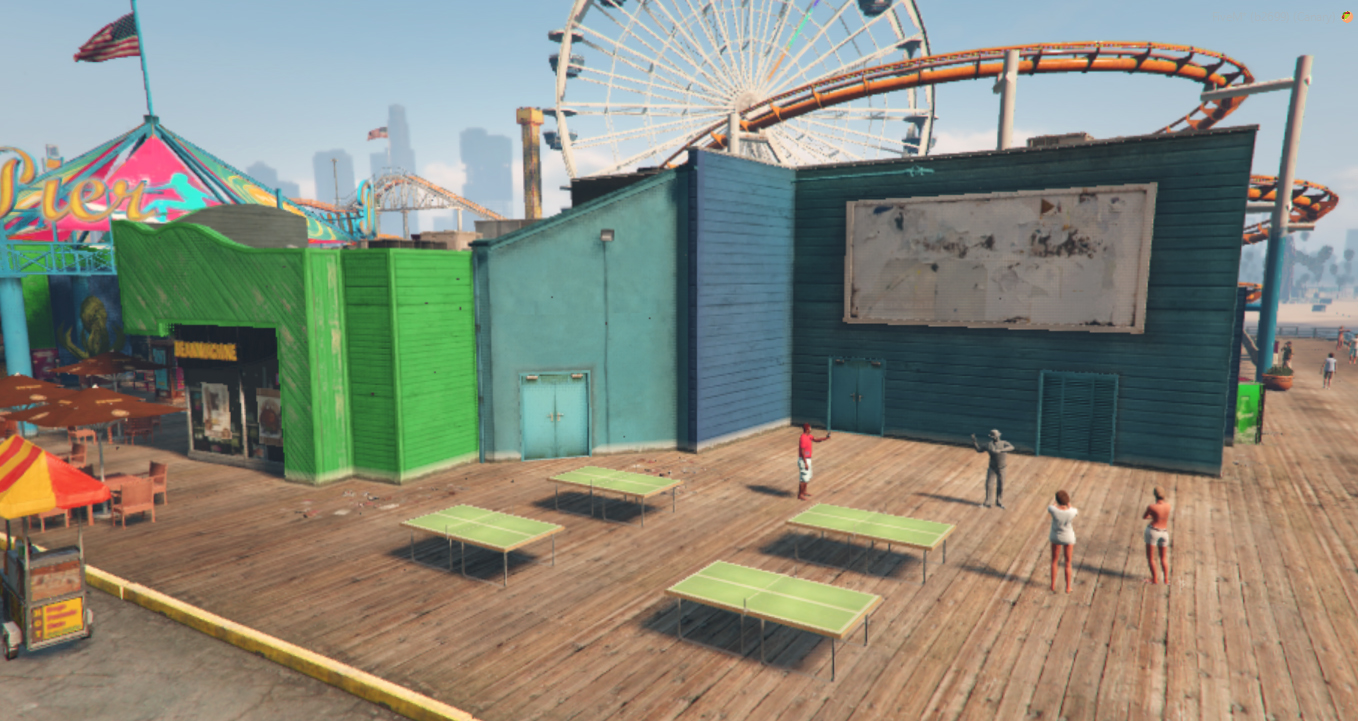
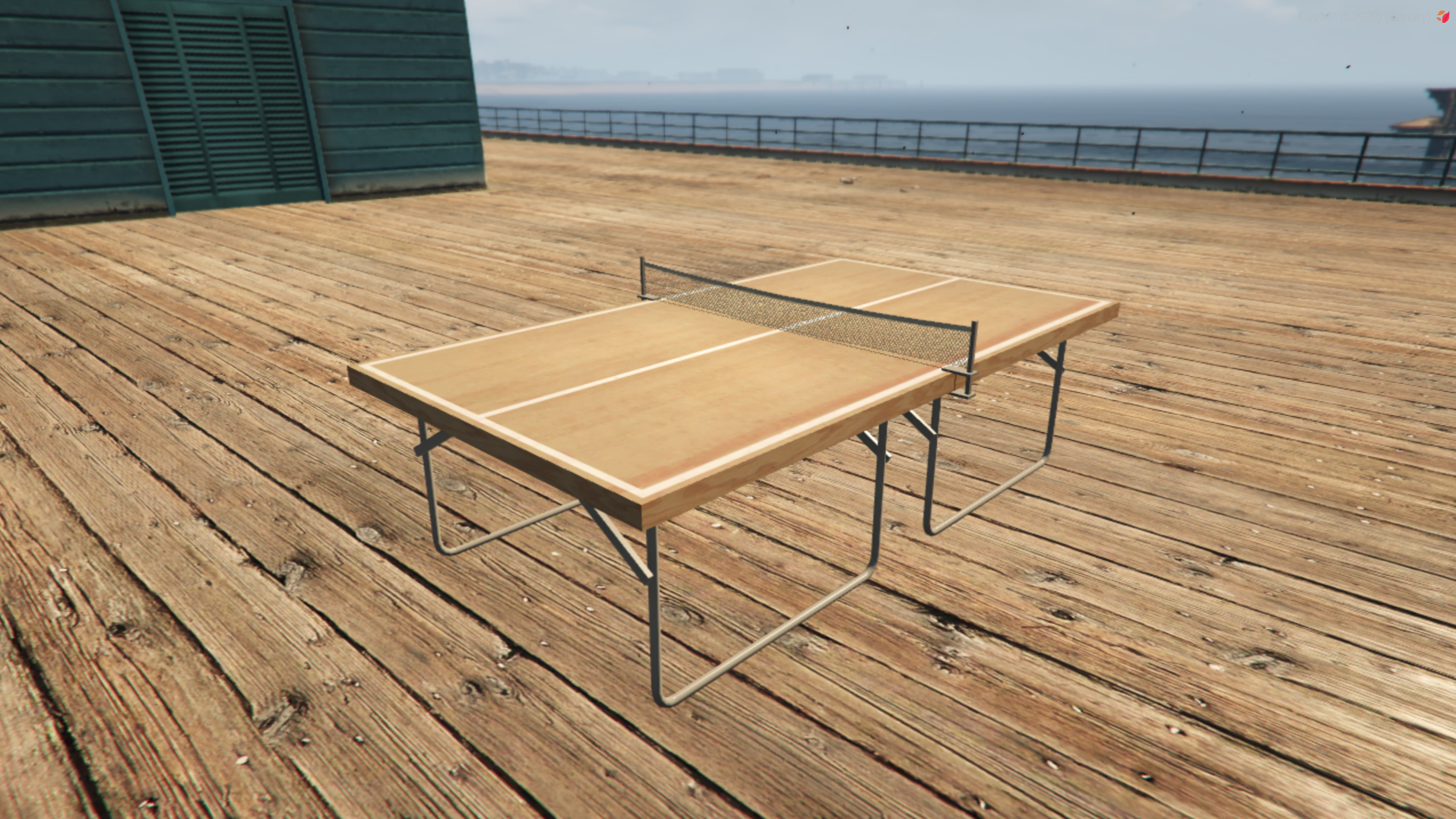
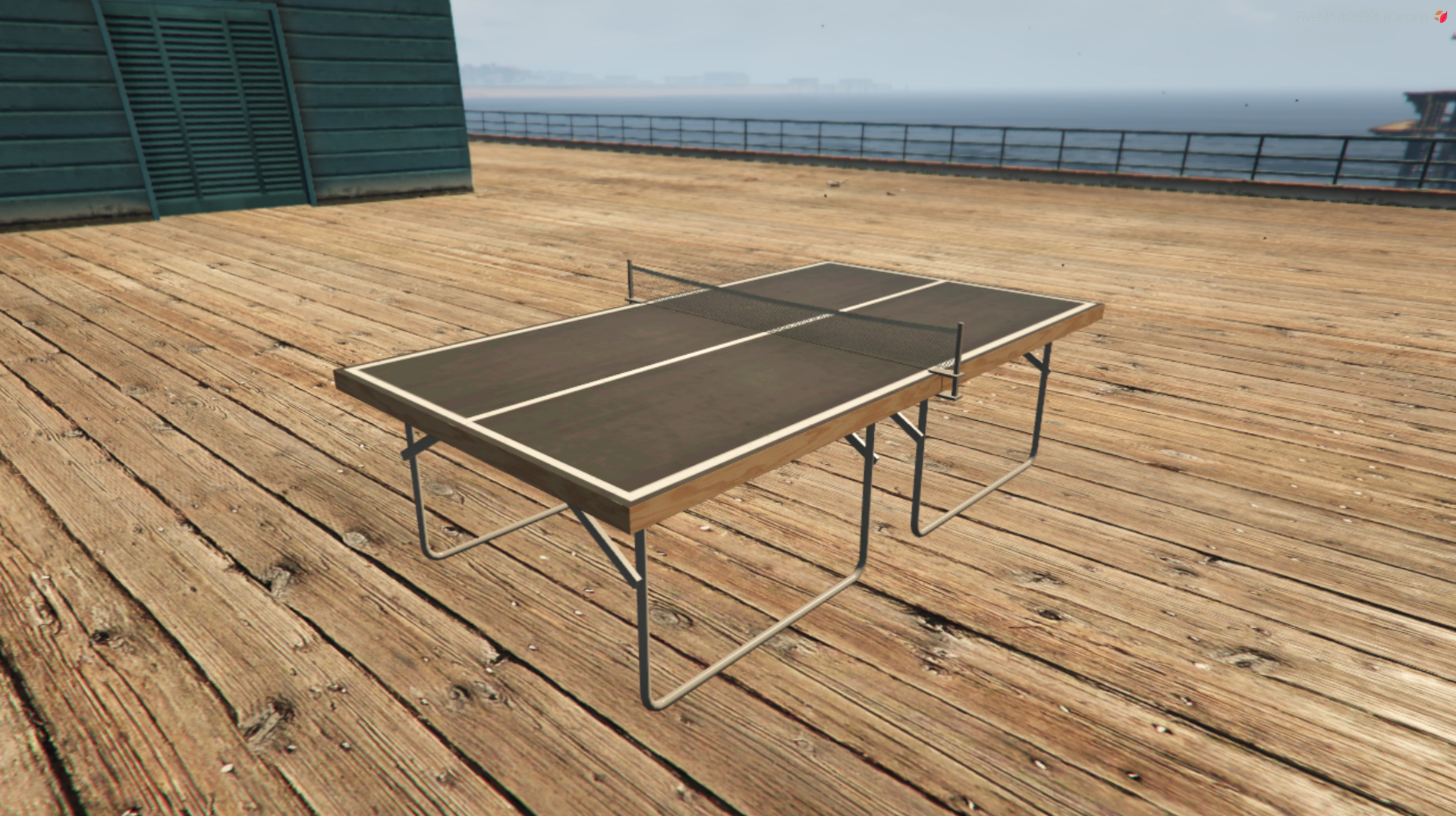
Ability to spawn more Table Tennis tables through the script.
Table Tennis objects declared in config.lua
Table Tennis objects that's already spawned by other scripts/maps will be playable. If you want to spawn extra tables, you can do it in **config.lua**
```lua
Objects = {{
pos = vector3(-1718.739502, -1109.655029, 12.152875),
heading = 318.5,
model = "prop_table_tennis"
}, {
pos = vector3(-1715.743652, -1112.305542, 12.152875),
heading = 318.5,
model = "prop_table_tennis"
}, {
pos = vector3(-1719.719360, -1116.799194, 12.152875),
heading = 318.5,
model = "prop_table_tennis"
}, {
pos = vector3(-1722.715210, -1114.148804, 12.152875),
heading = 318.5,
model = "prop_table_tennis"
}, {
pos = vector3(-1477.696, -954.5209, 9.20347),
heading = 318.0 + 90.0,
model = "prop_table_tennis"
}, {
pos = vector3(39.75943, 537.7939, 174.8531),
heading = 110.0,
model = "prop_table_tennis"
}, {
pos = vector3(-589.0319, 105.8244, 67.19884),
heading = 0.0,
model = "prop_table_tennis"
}},
```
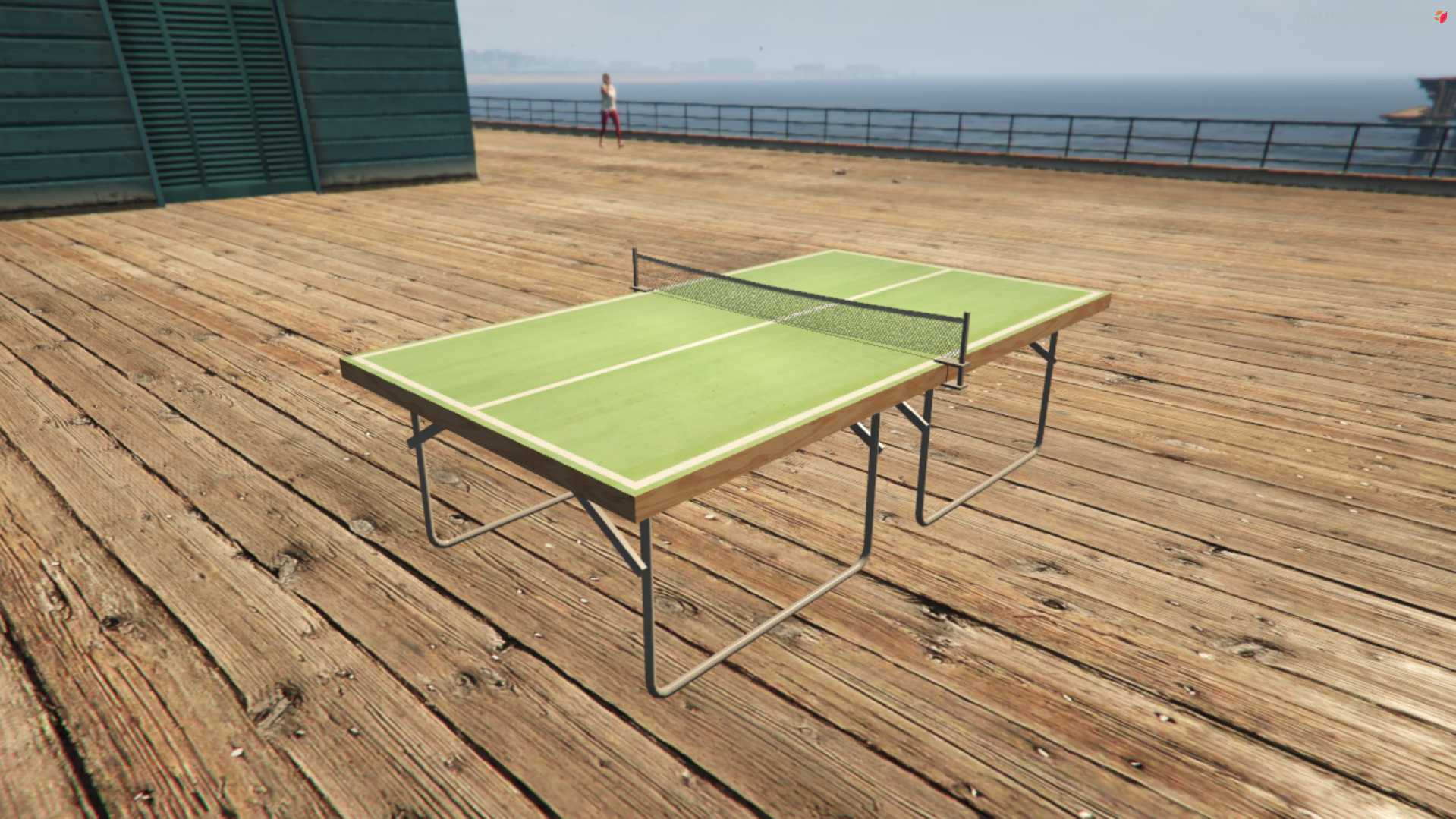
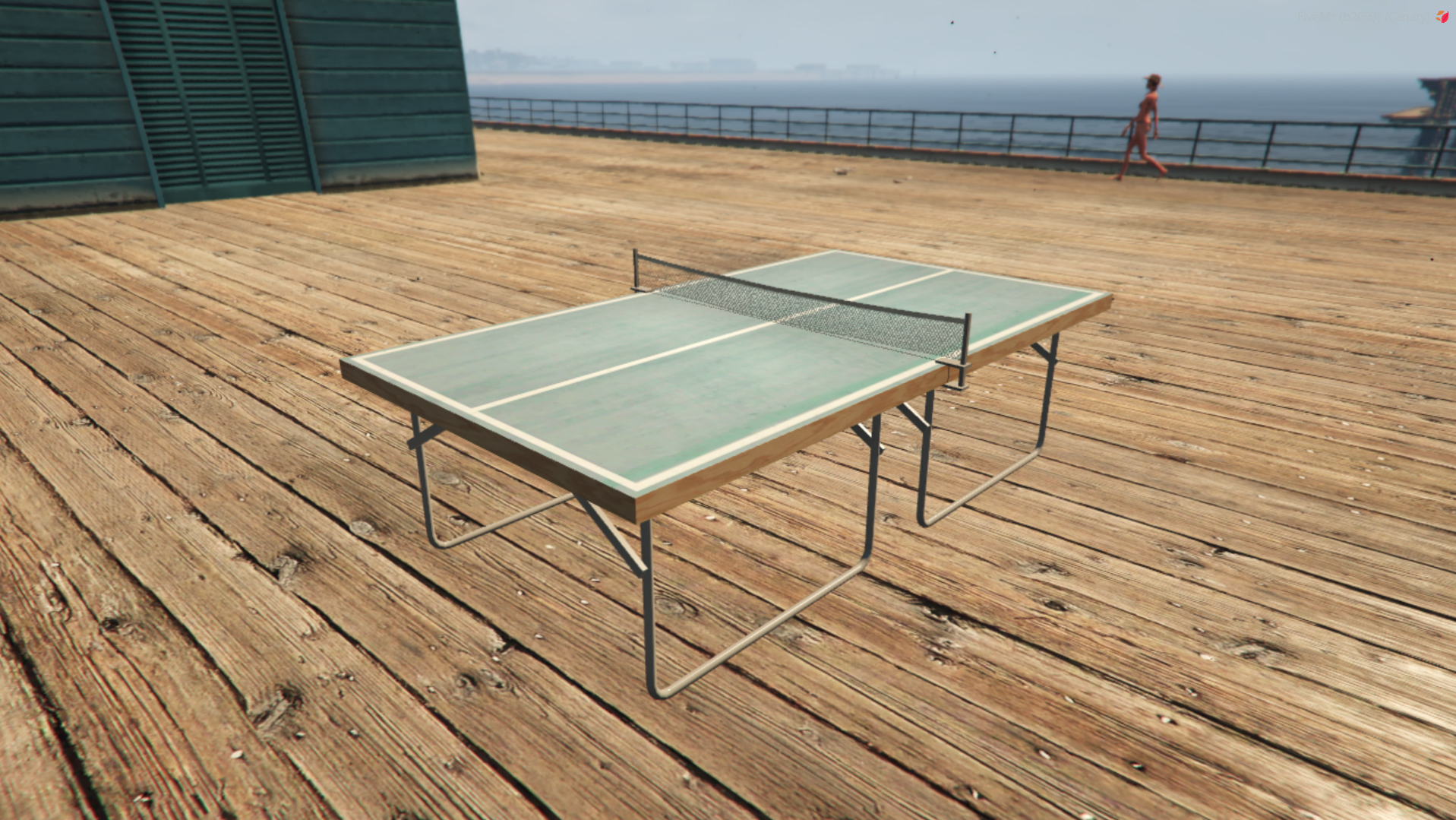
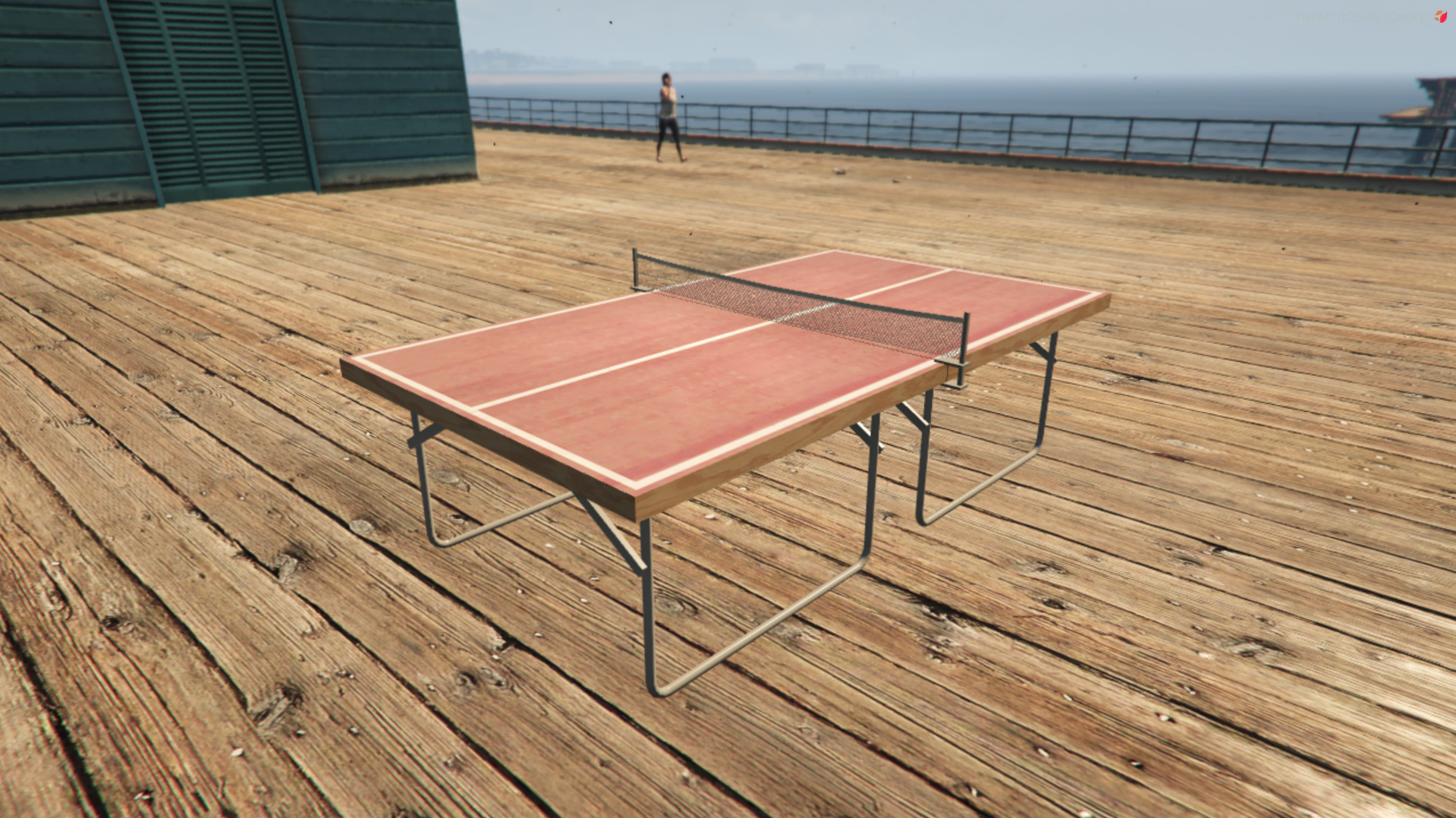
### Table Models
You can use one of the color variations when spawning tables, in the config.