> For the complete documentation index, see [llms.txt](https://documentation.rcore.cz/llms.txt). Markdown versions of documentation pages are available by appending `.md` to page URLs; this page is available as [Markdown](https://documentation.rcore.cz/paid-resources/rcore_pdm/vehicles-in-stock.md).
# Vehicles in stock
## How to add vehicle to the stock
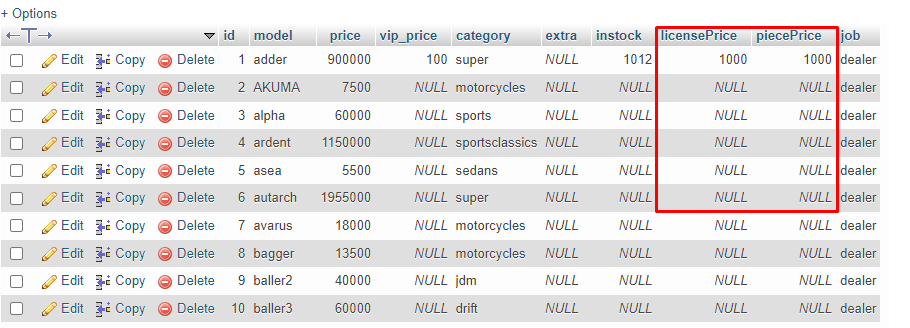
You will need to go to the database and find the table called `vehicles_to_buy`
We need to focus on `licensePrice` and `piecePrice` these two columns have to be both filled in order for the "instock" to work in-game
Description of the two columns
`licensePrice` = the vehicle shop is paying for rights to sell this vehicle.
`piecePrice` = price of a single vehicle that will be added to the stock.
## How to buy vehicles to the stock
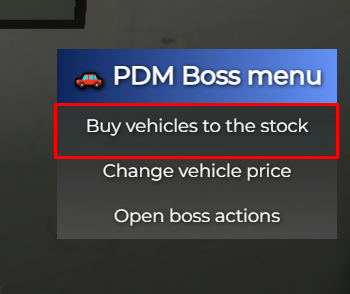
In the boss menu, you can see an item menu called "Buy vehicles to the stock"
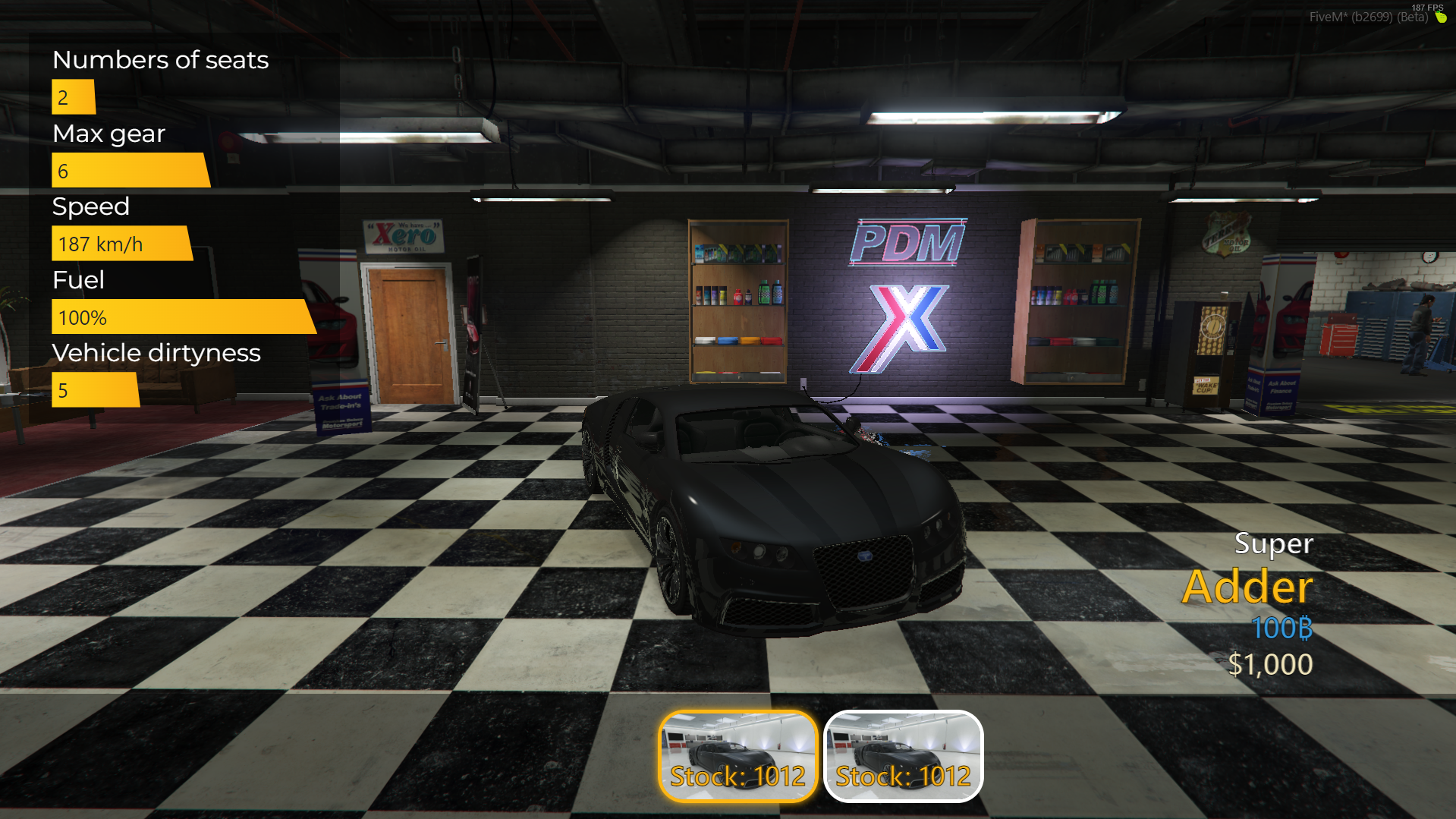
It will open this vehicle menu
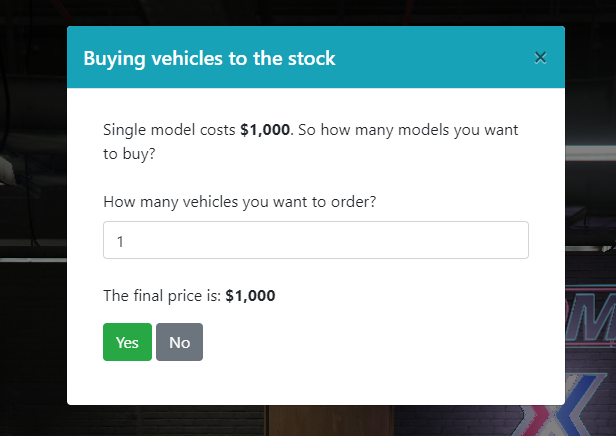
After you select the vehicle you want to buy to the stock you will see this menu
So just type how many cars you want to order for your vehicle shop and confirm the payment.