# Casino Editor

The **Casino Editor** is an in-game admin tool for creating, placing, and maintaining casino elements without manually editing configuration files.

It opens through the `casinoeditor` command (server-permitted), then starts a free-camera editing mode with an interactive menu system.

## What the Casino Editor is

The editor is a live world-builder for the casino resource. It lets you:

* browse editable entities by category,
* create new entities,
* move/update existing entities,
* register discovered map props as saved entities,
* and delete entities.

Changes are sent to the server and get synced with all players.

## How to open the Casino Editor

* Casino editor can be opened with a command `/casinoeditor`.
* Players need to be whitelisted for "Editor" permission in configs/casino.lua

> You cannot open the editor while currently playing a casino game.

## Editor Categories

The **Editor main page** is split into grouped sections and opens dedicated menus for each module.

### Core / Staff

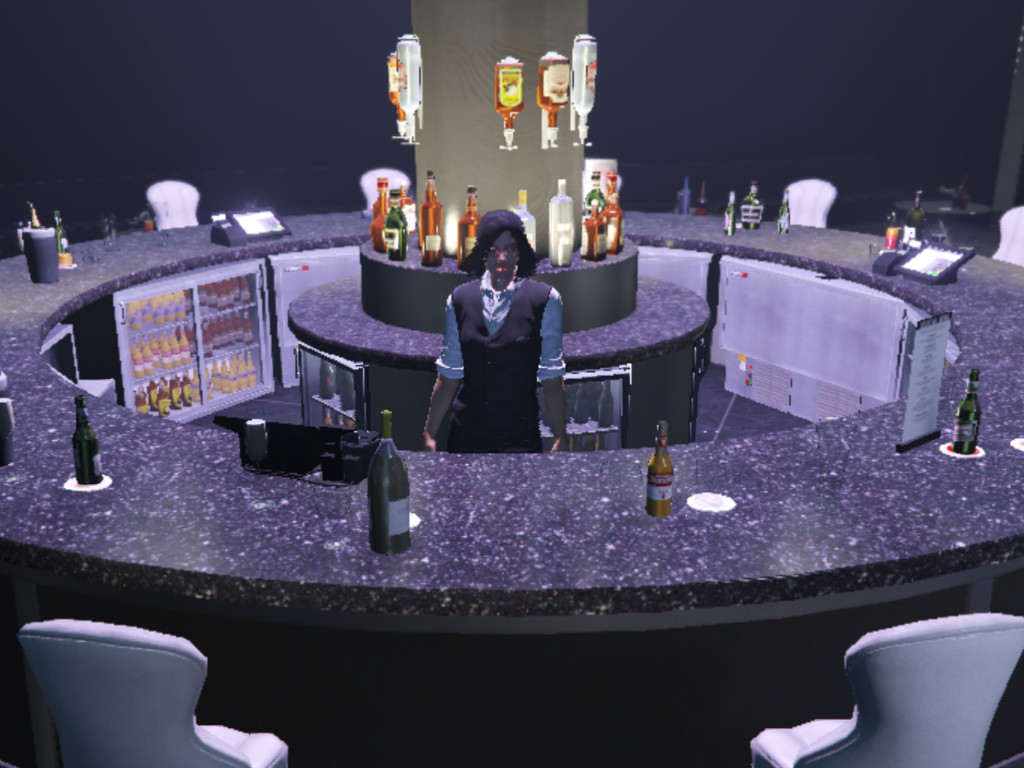
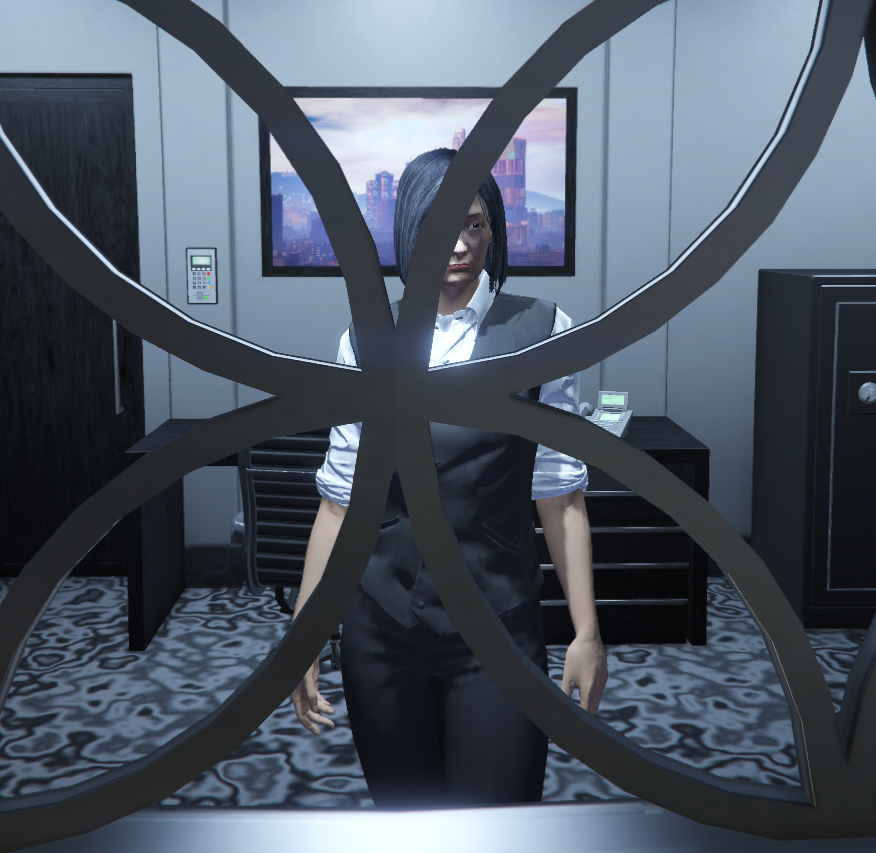
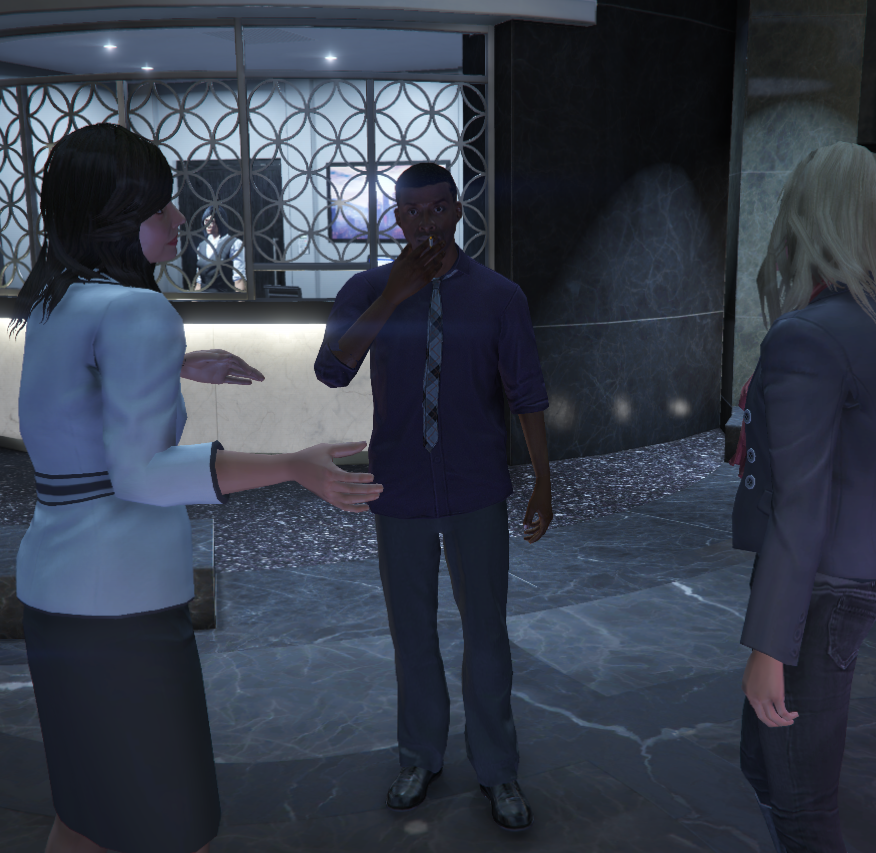
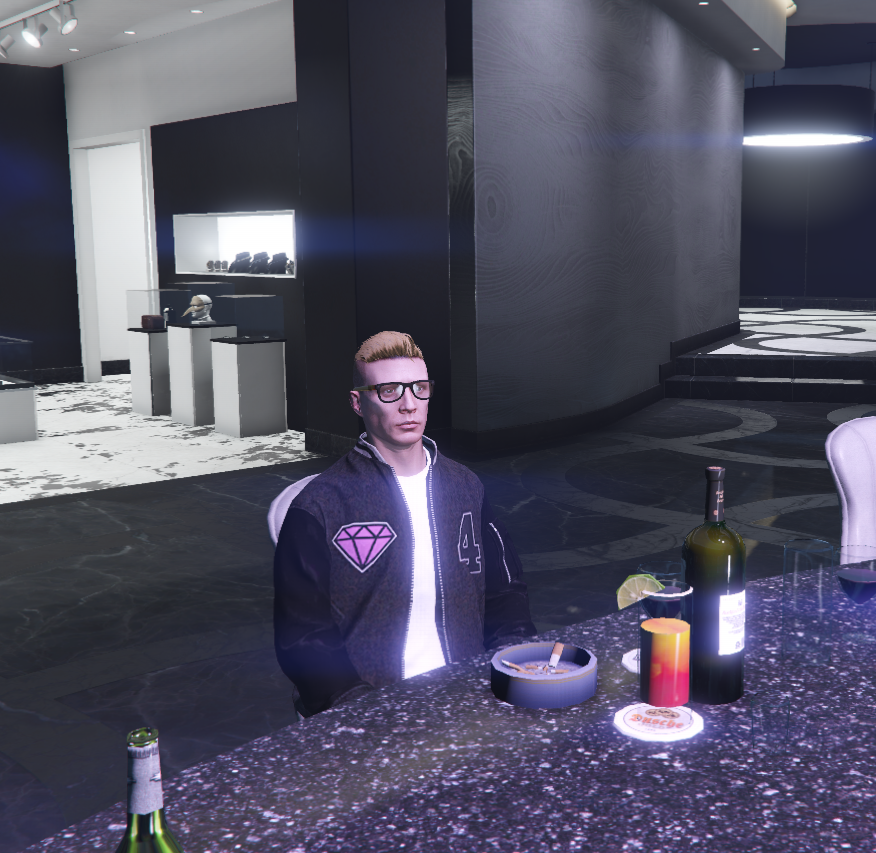
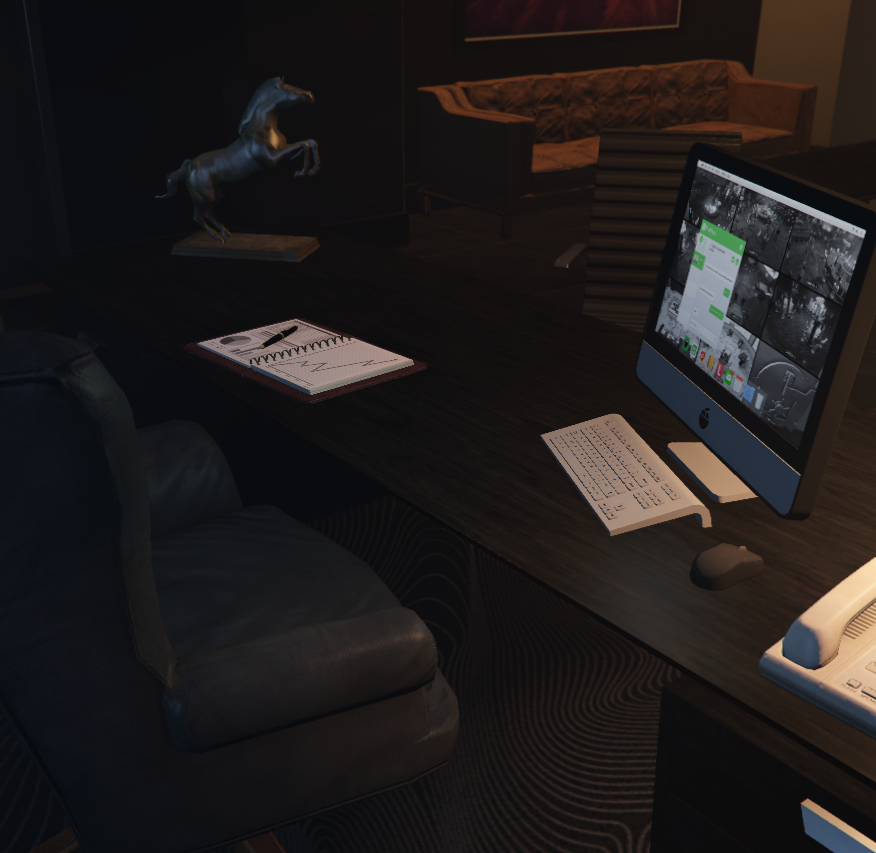
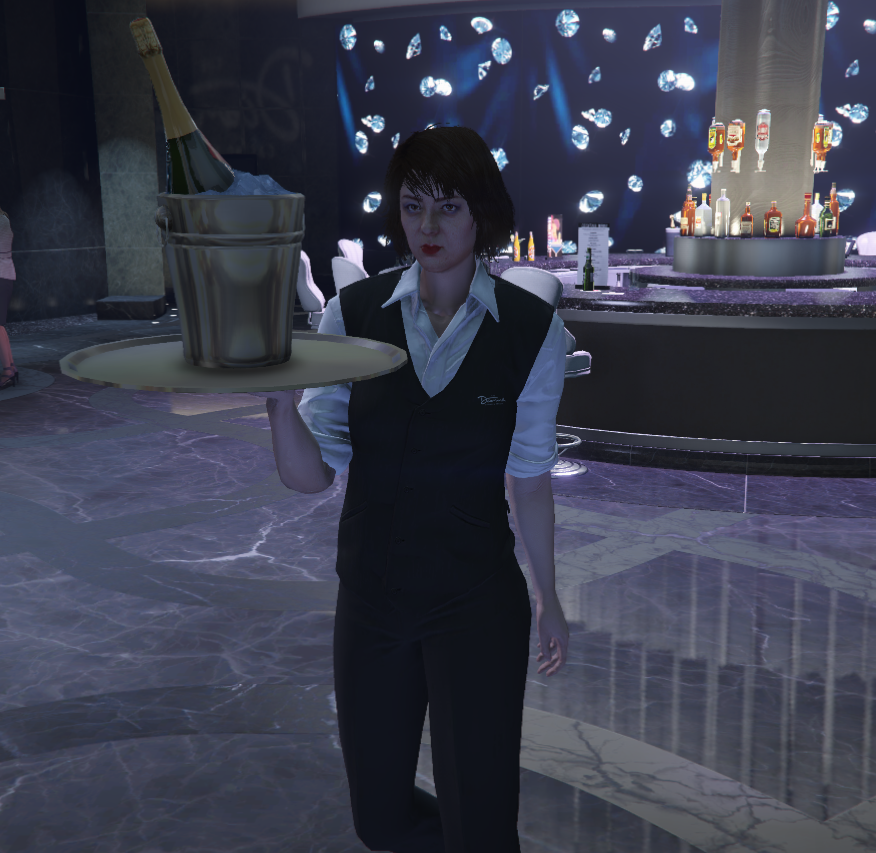
<table data-view="cards"><thead><tr><th align="center"></th><th data-hidden data-card-cover data-type="image">Cover image</th></tr></thead><tbody><tr><td align="center"><a href="editor/bartenders">Bartender</a></td><td><a href="https://1037498771-files.gitbook.io/~/files/v0/b/gitbook-x-prod.appspot.com/o/spaces%2F-MZErcztD5BvrKnwRGJq%2Fuploads%2Fgit-blob-6d6d19cf223c23b74cff5494e2954fa08dadf0fe%2Fbartenders.jpg?alt=media">bartenders.jpg</a></td></tr><tr><td align="center"><a href="editor/cashier">Cashiers</a></td><td><a href="https://1037498771-files.gitbook.io/~/files/v0/b/gitbook-x-prod.appspot.com/o/spaces%2F-MZErcztD5BvrKnwRGJq%2Fuploads%2Fgit-blob-c841813a3c053a2e3258a332057d32576a553530%2Fcashier.png?alt=media">cashier.png</a></td></tr><tr><td align="center"><a href="editor/ambient-peds">Ambient Peds</a></td><td><a href="https://1037498771-files.gitbook.io/~/files/v0/b/gitbook-x-prod.appspot.com/o/spaces%2F-MZErcztD5BvrKnwRGJq%2Fuploads%2Fgit-blob-9861faee1f4ae79e3403f2977f9c08589bf6ed24%2Fpeds.png?alt=media">peds.png</a></td></tr></tbody></table>

### Games

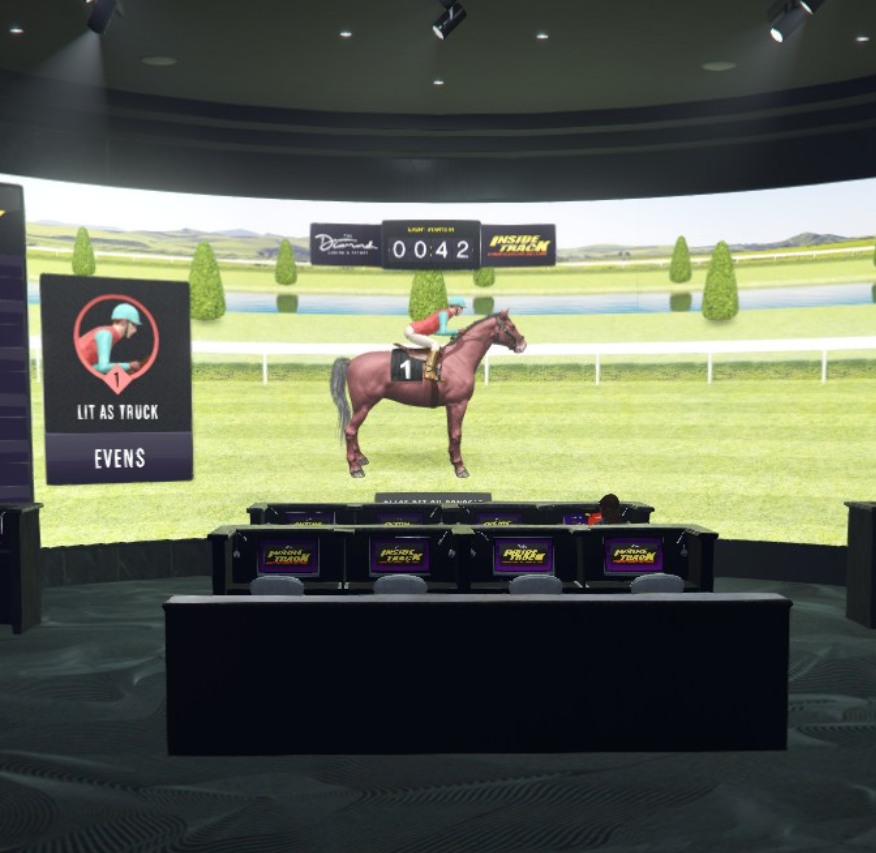
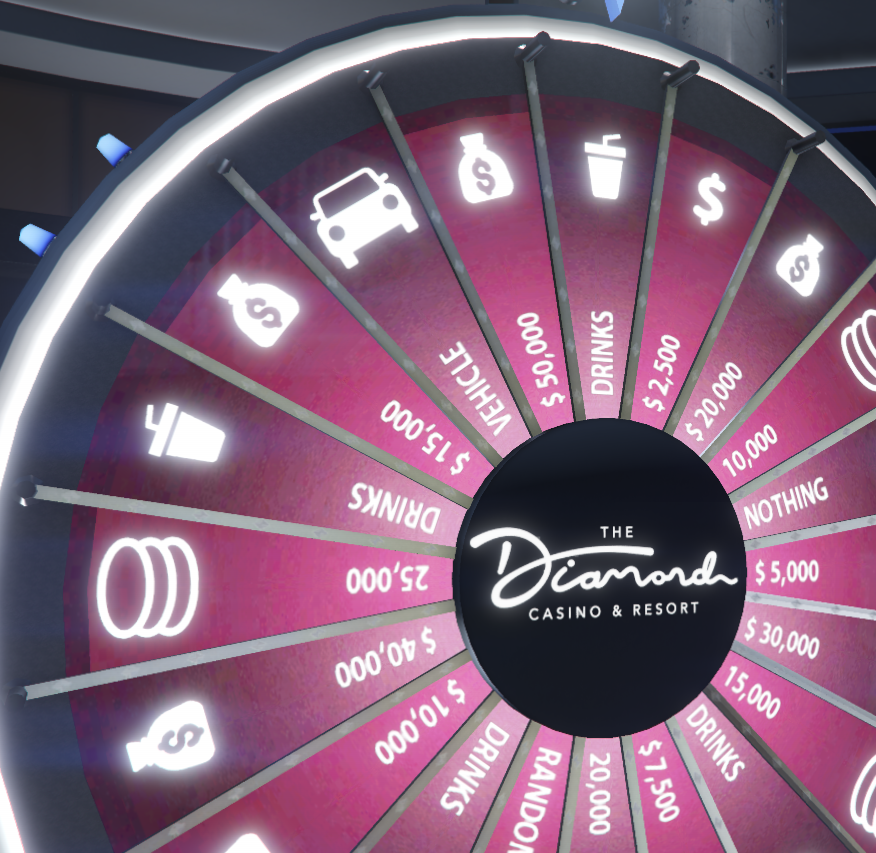
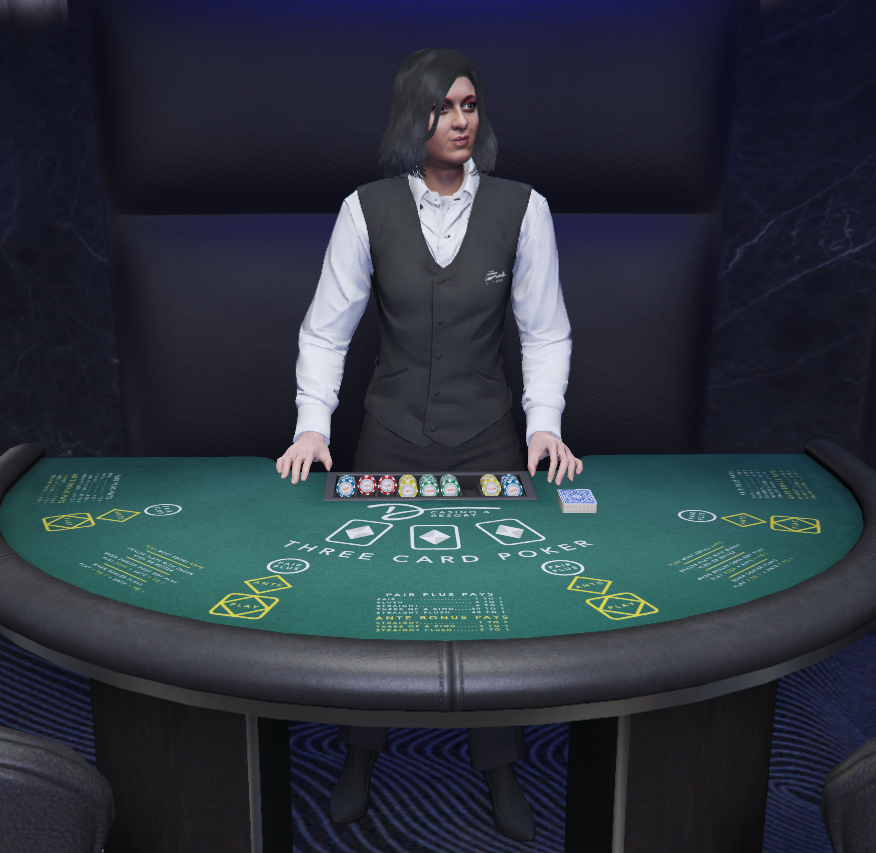
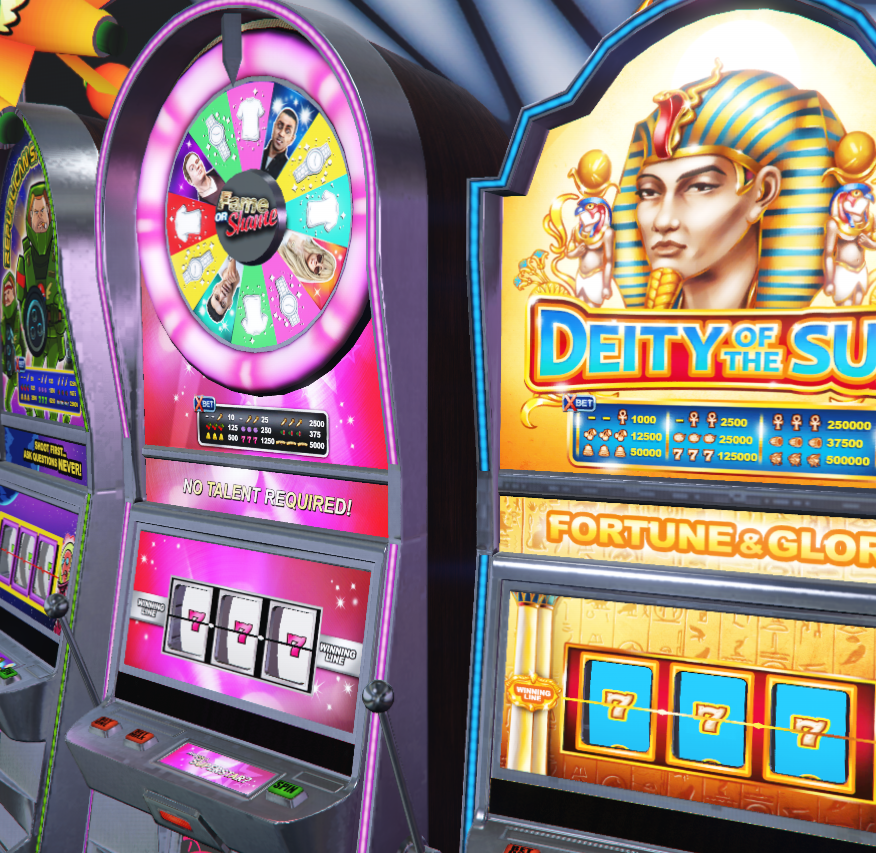
<table data-view="cards"><thead><tr><th align="center"></th><th data-hidden data-card-cover data-type="image">Cover image</th></tr></thead><tbody><tr><td align="center"><a href="editor/inside-track">Inside Track</a></td><td><a href="https://1037498771-files.gitbook.io/~/files/v0/b/gitbook-x-prod.appspot.com/o/spaces%2F-MZErcztD5BvrKnwRGJq%2Fuploads%2Fgit-blob-ef2a7f803f7b822708b33eda335eaf9f1047ec4c%2Fit.png?alt=media">it.png</a></td></tr><tr><td align="center"><a href="editor/lucky-wheel">Lucky Wheel</a></td><td><a href="https://1037498771-files.gitbook.io/~/files/v0/b/gitbook-x-prod.appspot.com/o/spaces%2F-MZErcztD5BvrKnwRGJq%2Fuploads%2Fgit-blob-f1be944eefabb60ccd272e48e6f006e1fdb0f4dc%2Fluckywheel.png?alt=media">luckywheel.png</a></td></tr><tr><td align="center"><a href="editor/roulette">Roulette</a> / <a href="editor/blackjack">Blackjack</a> / <a href="editor/poker">Poker</a></td><td><a href="https://1037498771-files.gitbook.io/~/files/v0/b/gitbook-x-prod.appspot.com/o/spaces%2F-MZErcztD5BvrKnwRGJq%2Fuploads%2Fgit-blob-d981d746b7c177a8eb0f3ecd94210e094aaae211%2Ftables.png?alt=media">tables.png</a></td></tr><tr><td align="center"><a href="editor/slots">Slots</a></td><td><a href="https://1037498771-files.gitbook.io/~/files/v0/b/gitbook-x-prod.appspot.com/o/spaces%2F-MZErcztD5BvrKnwRGJq%2Fuploads%2Fgit-blob-e85965c79dc255e65b386f74ead341a6bf35d709%2Fslots.png?alt=media">slots.png</a></td></tr></tbody></table>

### Interior

<table data-view="cards"><thead><tr><th align="center"></th><th data-hidden data-card-cover data-type="image">Cover image</th></tr></thead><tbody><tr><td align="center"><a href="editor/seats">Seats</a></td><td><a href="https://1037498771-files.gitbook.io/~/files/v0/b/gitbook-x-prod.appspot.com/o/spaces%2F-MZErcztD5BvrKnwRGJq%2Fuploads%2Fgit-blob-c6e93ecb37343763efc50f441d3cdebe7c907e1e%2Fseat.png?alt=media">seat.png</a></td></tr><tr><td align="center"><a href="editor/podium-spinners">Podium Spinners</a></td><td><a href="https://1037498771-files.gitbook.io/~/files/v0/b/gitbook-x-prod.appspot.com/o/spaces%2F-MZErcztD5BvrKnwRGJq%2Fuploads%2Fgit-blob-e10dc77c163b2593f2b3662b46c6c5d9dd25b2f8%2Fpodium%20(1).png?alt=media">podium (1).png</a></td></tr><tr><td align="center"><a href="editor/digital-walls">Digital Walls</a></td><td><a href="https://1037498771-files.gitbook.io/~/files/v0/b/gitbook-x-prod.appspot.com/o/spaces%2F-MZErcztD5BvrKnwRGJq%2Fuploads%2Fgit-blob-4f93e6e0eed9780d36348bcae0db279b957e503d%2Fwall.png?alt=media">wall.png</a></td></tr><tr><td align="center"><a href="editor/restricted-areas">Restricted Areas</a></td><td><a href="https://1037498771-files.gitbook.io/~/files/v0/b/gitbook-x-prod.appspot.com/o/spaces%2F-MZErcztD5BvrKnwRGJq%2Fuploads%2Fgit-blob-bb820c27c8f9df0b8564ef96dd37b368e54bd9a0%2Fareas.png?alt=media">areas.png</a></td></tr><tr><td align="center"><a href="editor/elevators">Elevators</a></td><td><a href="https://1037498771-files.gitbook.io/~/files/v0/b/gitbook-x-prod.appspot.com/o/spaces%2F-MZErcztD5BvrKnwRGJq%2Fuploads%2Fgit-blob-c086a4ba0f5bcd45eaafcf8721ce4b089e018619%2Felevators.png?alt=media">elevators.png</a></td></tr><tr><td align="center"><a href="editor/office-computers">Office Computers</a></td><td><a href="https://1037498771-files.gitbook.io/~/files/v0/b/gitbook-x-prod.appspot.com/o/spaces%2F-MZErcztD5BvrKnwRGJq%2Fuploads%2Fgit-blob-6b3c06a8e28ebe39ceac343acf5c869675bfdf34%2Fcomputers%20(1).png?alt=media">computers (1).png</a></td></tr><tr><td align="center"><a href="editor/walking-peds">Walking Peds</a></td><td data-object-fit="cover"><a href="https://1037498771-files.gitbook.io/~/files/v0/b/gitbook-x-prod.appspot.com/o/spaces%2F-MZErcztD5BvrKnwRGJq%2Fuploads%2Fgit-blob-661765f9e87ae85929c421975ce9c97180fa8768%2Fwalkingpeds.png?alt=media">walkingpeds.png</a></td></tr></tbody></table>

### Others

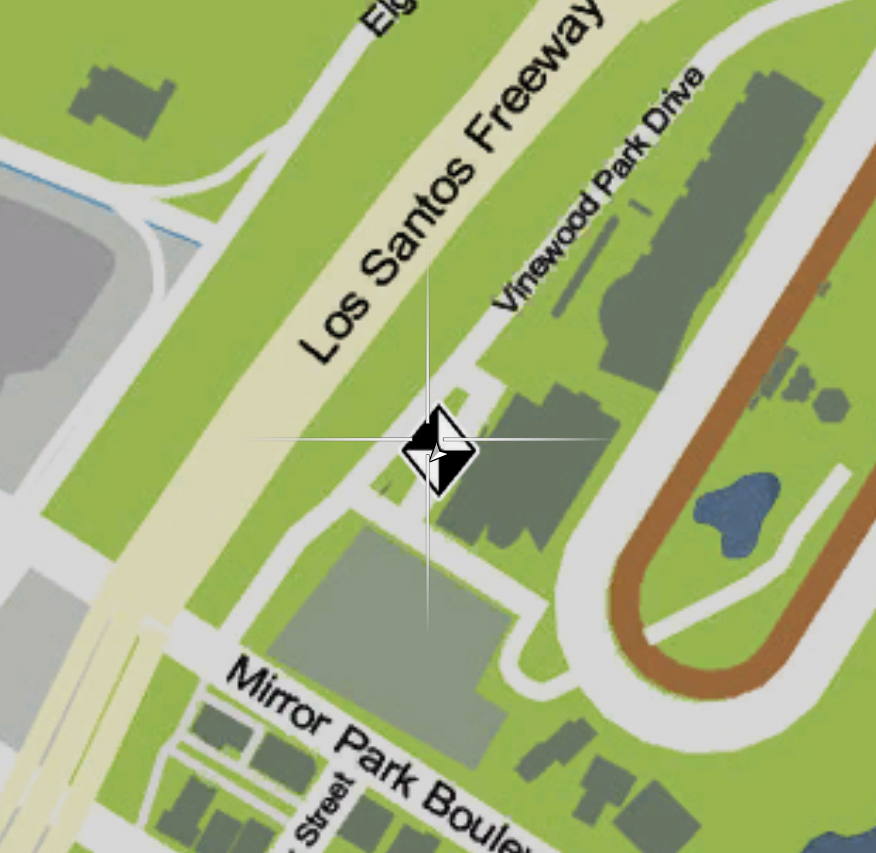
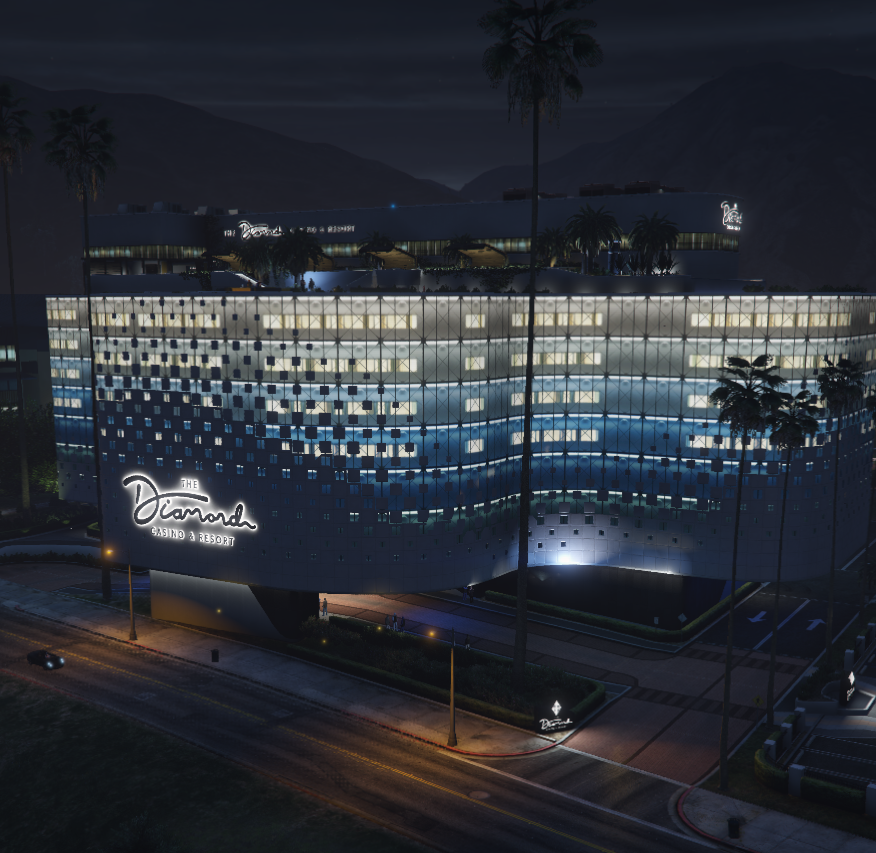
<table data-view="cards"><thead><tr><th align="center"></th><th data-hidden data-card-cover data-type="image">Cover image</th></tr></thead><tbody><tr><td align="center"><a href="editor/blip-icons">Blip Icons</a></td><td><a href="https://1037498771-files.gitbook.io/~/files/v0/b/gitbook-x-prod.appspot.com/o/spaces%2F-MZErcztD5BvrKnwRGJq%2Fuploads%2Fgit-blob-5d558e47b97cb1ef68b0bd232f74c8a33ab8e7da%2Fblips.png?alt=media">blips.png</a></td></tr><tr><td align="center"><a href="editor/casinos">Casino Settings</a></td><td><a href="https://1037498771-files.gitbook.io/~/files/v0/b/gitbook-x-prod.appspot.com/o/spaces%2F-MZErcztD5BvrKnwRGJq%2Fuploads%2Fgit-blob-b5e01b5cd46735bc3f1666a553cbfea01b45c2d1%2Fcasinos.png?alt=media">casinos.png</a></td></tr><tr><td align="center">Ambient Sounds</td><td><a href="https://1037498771-files.gitbook.io/~/files/v0/b/gitbook-x-prod.appspot.com/o/spaces%2F-MZErcztD5BvrKnwRGJq%2Fuploads%2Fgit-blob-cfd3bbf1b9ab80b4790e97e76078db0a57e86041%2Fsounds.png?alt=media">sounds.png</a></td></tr><tr><td align="center"><a href="editor/checkpoints">Checkpoints</a></td><td><a href="https://1037498771-files.gitbook.io/~/files/v0/b/gitbook-x-prod.appspot.com/o/spaces%2F-MZErcztD5BvrKnwRGJq%2Fuploads%2Fgit-blob-95a51a209560009fd5d150b1d67930192472636c%2Fcheckpoints.png?alt=media">checkpoints.png</a></td></tr><tr><td align="center"><a href="editor/bouncers">Bouncers</a></td><td><a href="https://1037498771-files.gitbook.io/~/files/v0/b/gitbook-x-prod.appspot.com/o/spaces%2F-MZErcztD5BvrKnwRGJq%2Fuploads%2Fgit-blob-261ba4dfec4701b8a5aa84c5a756dc0e19a036af%2Fbouncers.png?alt=media">bouncers.png</a></td></tr></tbody></table>

## Core editor workflow

1. Open the main menu and pick a category.
2. Create a new item or select an existing one.
3. Edit properties (name, coords, heading/rotation, colors, toggles, restrictions, etc.).
4. Save/update (server event is fired and object gets synced for all players.
5. Return to main menu and continue with other categories.