> For the complete documentation index, see [llms.txt](https://documentation.rcore.cz/llms.txt). Markdown versions of documentation pages are available by appending `.md` to page URLs; this page is available as [Markdown](https://documentation.rcore.cz/paid-resources/rcore_casino/features/editor/roulette.md).

# Roulette

Managing Roulette in the Casino Editor

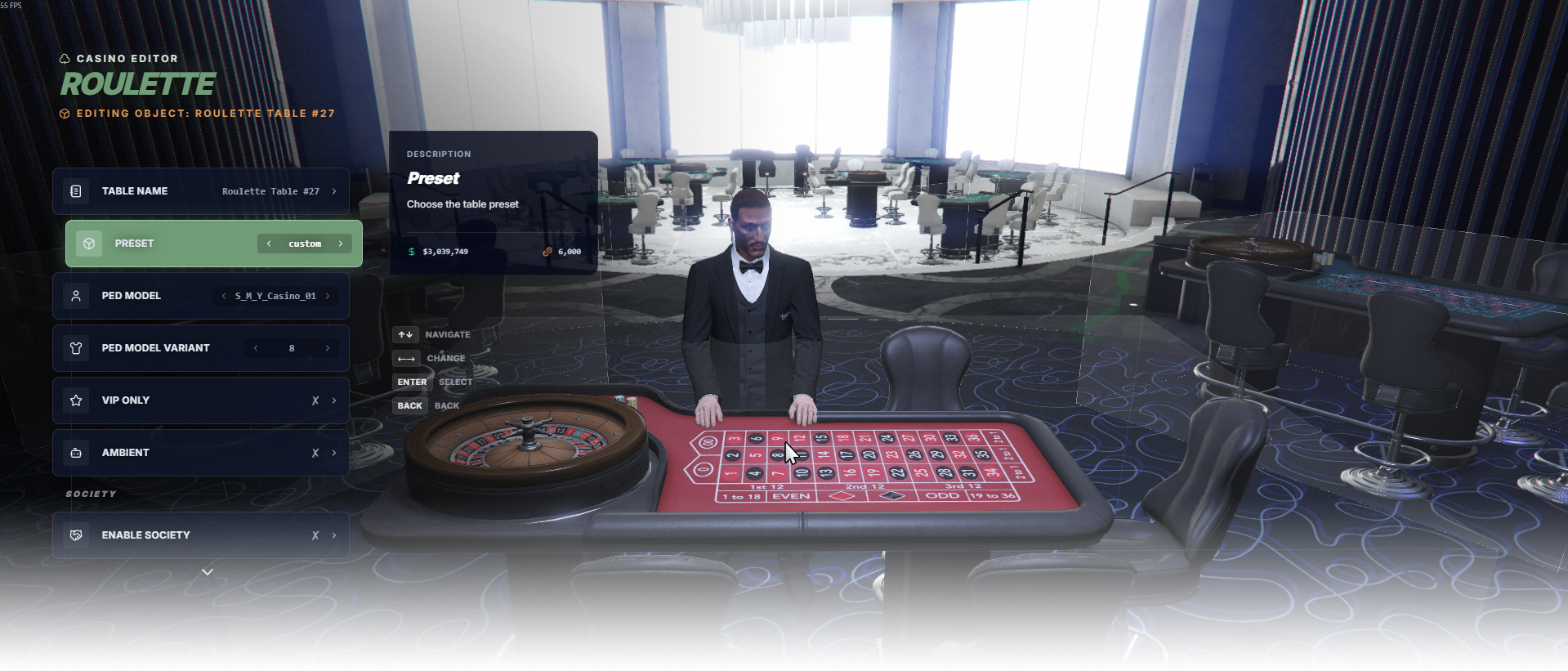
The Roulette editor page manages roulette table placement, presets, dealer model, and access rules.

<div data-full-width="false"><figure><img src="https://1037498771-files.gitbook.io/~/files/v0/b/gitbook-x-prod.appspot.com/o/spaces%2F-MZErcztD5BvrKnwRGJq%2Fuploads%2Fgit-blob-bcd9e958885e3b5d474a737f4278b3d3f6449646%2Fcapt_roulette.png?alt=media" alt=""><figcaption></figcaption></figure></div>

### Editor Settings

<table data-full-width="false"><thead><tr><th>Setting</th><th>Info</th></tr></thead><tbody><tr><td>Table Name</td><td>Choose a display name for the roulette table</td></tr><tr><td>Table Model</td><td>Select the roulette table model/hash</td></tr><tr><td>Preset</td><td>Select gameplay preset/config used by this table</td></tr><tr><td>Ped Model</td><td>Choose dealer NPC model used for this table</td></tr><tr><td>Variation</td><td>Choose how this dealer looks. Variation 1 keeps the model default.</td></tr><tr><td>VIP Only</td><td>Restrict table usage to VIP players only</td></tr><tr><td>Ambient</td><td>Mark table as ambient/background mode</td></tr><tr><td>Enable Society</td><td>Enable society/account integration for table revenue</td></tr><tr><td>Society Name</td><td>Set society/account name used when society is enabled</td></tr><tr><td>Proximity</td><td>Set interaction distance in meters</td></tr><tr><td>Load Only Inside Interiors</td><td>Load this roulette table only while players are in interiors</td></tr><tr><td>Change Position</td><td>Move this table with the gizmo</td></tr><tr><td>Change Rotation</td><td>Rotate this table with the gizmo</td></tr><tr><td>Spawn Table</td><td>Cycle to Roulette, then select to spawn a table at your position</td></tr><tr><td>Delete Table</td><td>Delete selected roulette table</td></tr></tbody></table>

## RouletteConfigs

Roulette presets are defined in `configs/games/roulette.lua` in the `RouletteConfigs` table.

The editor Preset field selects one of these preset keys.

<table data-full-width="false"><thead><tr><th>Config field</th><th>Info</th></tr></thead><tbody><tr><td><code>TextureID</code></td><td>Table texture/style variant id</td></tr><tr><td><code>Title</code></td><td>Title displayed for this roulette preset</td></tr><tr><td><code>MaxBets</code></td><td>Maximum number of bets per player</td></tr><tr><td><code>MinBetValue</code></td><td>Minimum bet value</td></tr><tr><td><code>MaxBetValue</code></td><td>Maximum bet value</td></tr><tr><td><code>MaxBetValueOutside</code></td><td>Maximum outside-bet value</td></tr><tr><td><code>MaxBetValueInside</code></td><td>Maximum inside-bet value</td></tr><tr><td><code>PlaceBetsTime</code></td><td>Betting phase time in seconds</td></tr><tr><td><code>SpinDelayMin</code></td><td>Minimum delay before spin starts, in seconds</td></tr><tr><td><code>SpinDelayMax</code></td><td>Maximum delay before spin starts, in seconds</td></tr><tr><td><code>BiasIncludesZero</code></td><td>Whether a biased spin may land on <code>0</code>/<code>00</code> when hunting the cheapest outcome</td></tr><tr><td><code>RTP</code></td><td>Rolling return-to-player guardrail. More in <a href="https://documentation.rcore.cz/paid-resources/rcore_casino/config-reference/tweaking-games/roulette.md#house-edge-and-fairness">House edge and fairness</a>.</td></tr><tr><td><code>ExposureBias</code></td><td>Raises bias when this round is about to pay out a lot. More in <a href="https://documentation.rcore.cz/paid-resources/rcore_casino/config-reference/tweaking-games/roulette.md#house-edge-and-fairness">House edge and fairness</a></td></tr><tr><td><code>PlayerControls</code></td><td>Raises bias against players who are far ahead or on a win streak</td></tr><tr><td><code>FairnessWindows</code></td><td>Alternating guaranteed-fair and bias-eligible windows</td></tr></tbody></table>

## RoulettePlayableHashes

Playable roulette models are defined in `configs/games/roulette.lua` in `RoulettePlayableHashes`.

Only models listed in `RoulettePlayableHashes` are treated as playable roulette tables and are used for editor table-model selection/create defaults.

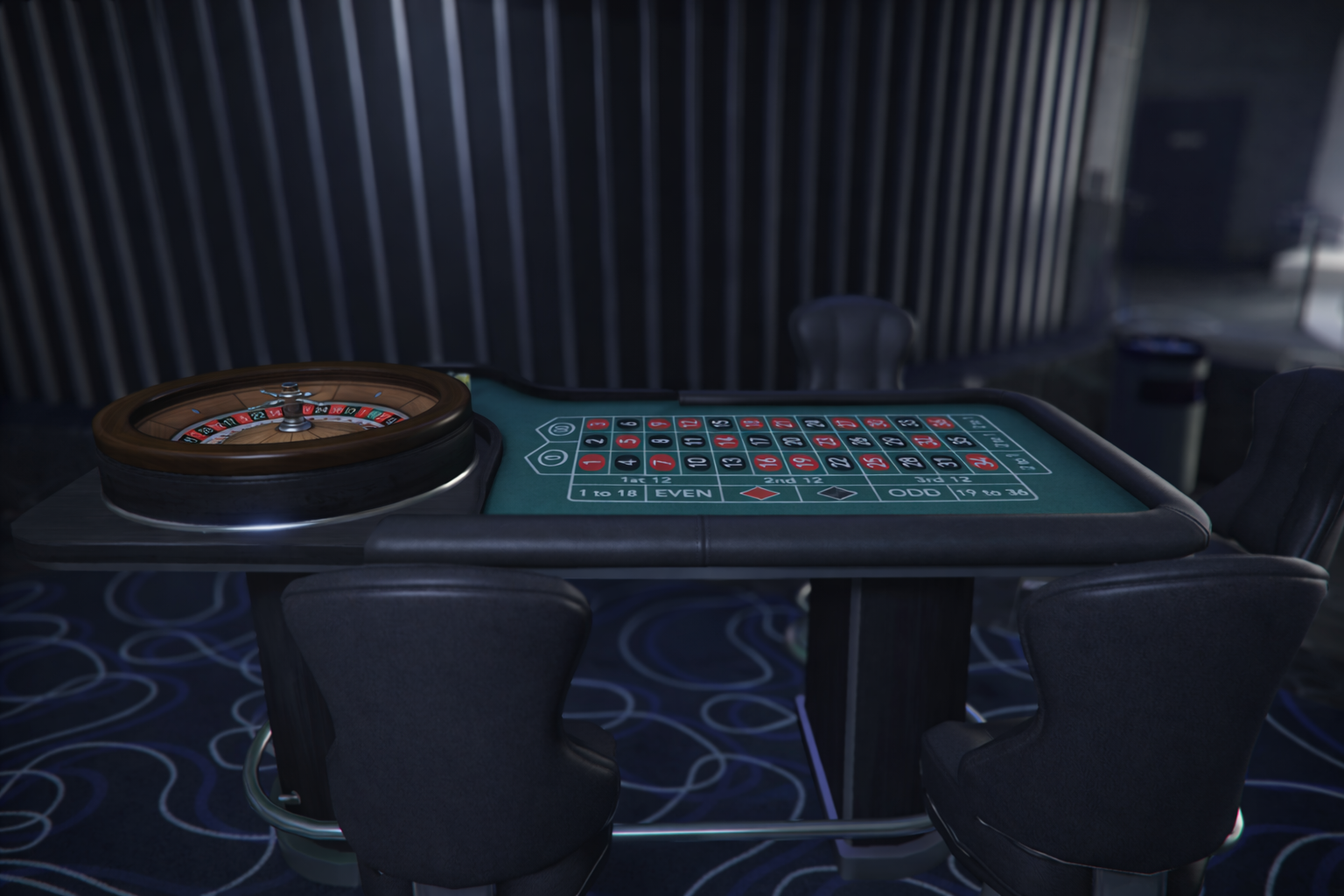
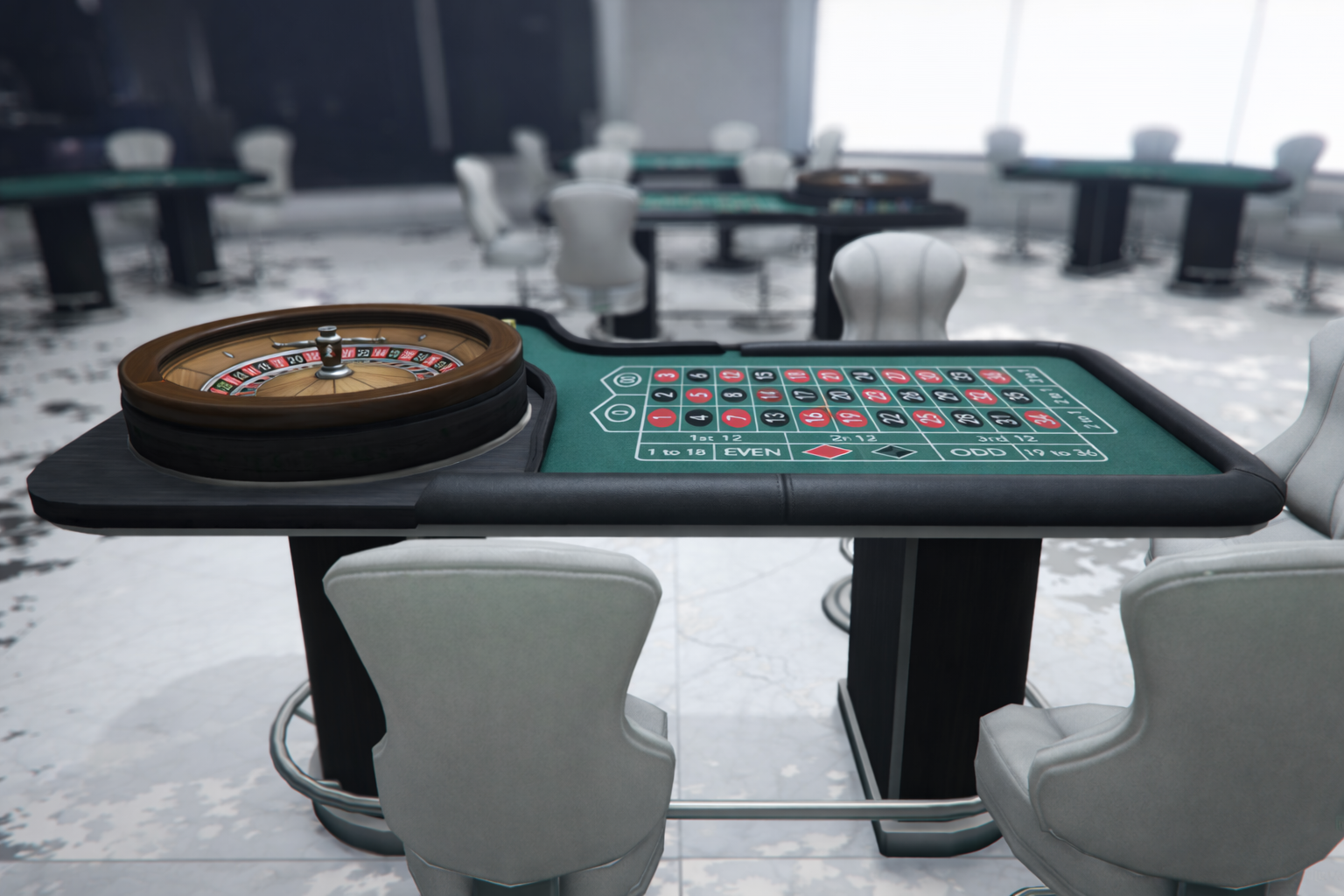
<table data-full-width="false"><thead><tr><th width="127">Model Preview</th><th>Model Name</th><th>Default preset</th></tr></thead><tbody><tr><td><img src="https://1037498771-files.gitbook.io/~/files/v0/b/gitbook-x-prod.appspot.com/o/spaces%2F-MZErcztD5BvrKnwRGJq%2Fuploads%2Fgit-blob-792241e54abc56c909e5efc2bbae0f3fbb7a0a15%2Fvw_prop_casino_roulette_01b.png?alt=media" alt=""></td><td><code>vw_prop_casino_roulette_01b</code></td><td><code>normalstakes</code></td></tr><tr><td><img src="https://1037498771-files.gitbook.io/~/files/v0/b/gitbook-x-prod.appspot.com/o/spaces%2F-MZErcztD5BvrKnwRGJq%2Fuploads%2Fgit-blob-03aaa80d19ddec04d341007ad77be64848d9f066%2Fvw_prop_casino_roulette_01.png?alt=media" alt=""></td><td><code>vw_prop_casino_roulette_01</code></td><td><code>normalstakes</code></td></tr><tr><td><img src="https://1037498771-files.gitbook.io/~/files/v0/b/gitbook-x-prod.appspot.com/o/spaces%2F-MZErcztD5BvrKnwRGJq%2Fuploads%2Fgit-blob-03aaa80d19ddec04d341007ad77be64848d9f066%2Fvw_prop_casino_roulette_01.png?alt=media" alt=""></td><td><code>ch_prop_casino_roulette_01a</code></td><td><code>normalstakes</code></td></tr><tr><td><img src="https://1037498771-files.gitbook.io/~/files/v0/b/gitbook-x-prod.appspot.com/o/spaces%2F-MZErcztD5BvrKnwRGJq%2Fuploads%2Fgit-blob-792241e54abc56c909e5efc2bbae0f3fbb7a0a15%2Fvw_prop_casino_roulette_01b.png?alt=media" alt=""></td><td><code>ch_prop_casino_roulette_01b</code></td><td><code>normalstakes</code></td></tr></tbody></table>

## Dealer ped models

The Dealer ped model list in the editor is shared by all three table games and comes from `TablePedModels` in `configs/games/poker.lua`. Add a model there to make it selectable on roulette tables too.

```lua
TablePedModels = {
    "S_M_Y_Casino_01",
    "S_F_Y_Casino_01",
    "u_f_m_casinocash_01",
    "u_f_m_casinoshop_01",
    "ADD_YOUR_PED_HERE",
}
```

`RouletteSettings` in `configs/games/roulette.lua` only holds the two defaults used when a table is created without an explicit dealer model:

```lua
RouletteSettings = {
    DefaultMaleSkin = "S_M_Y_Casino_01",
    DefaultFemaleSkin = "S_F_Y_Casino_01"
}
```

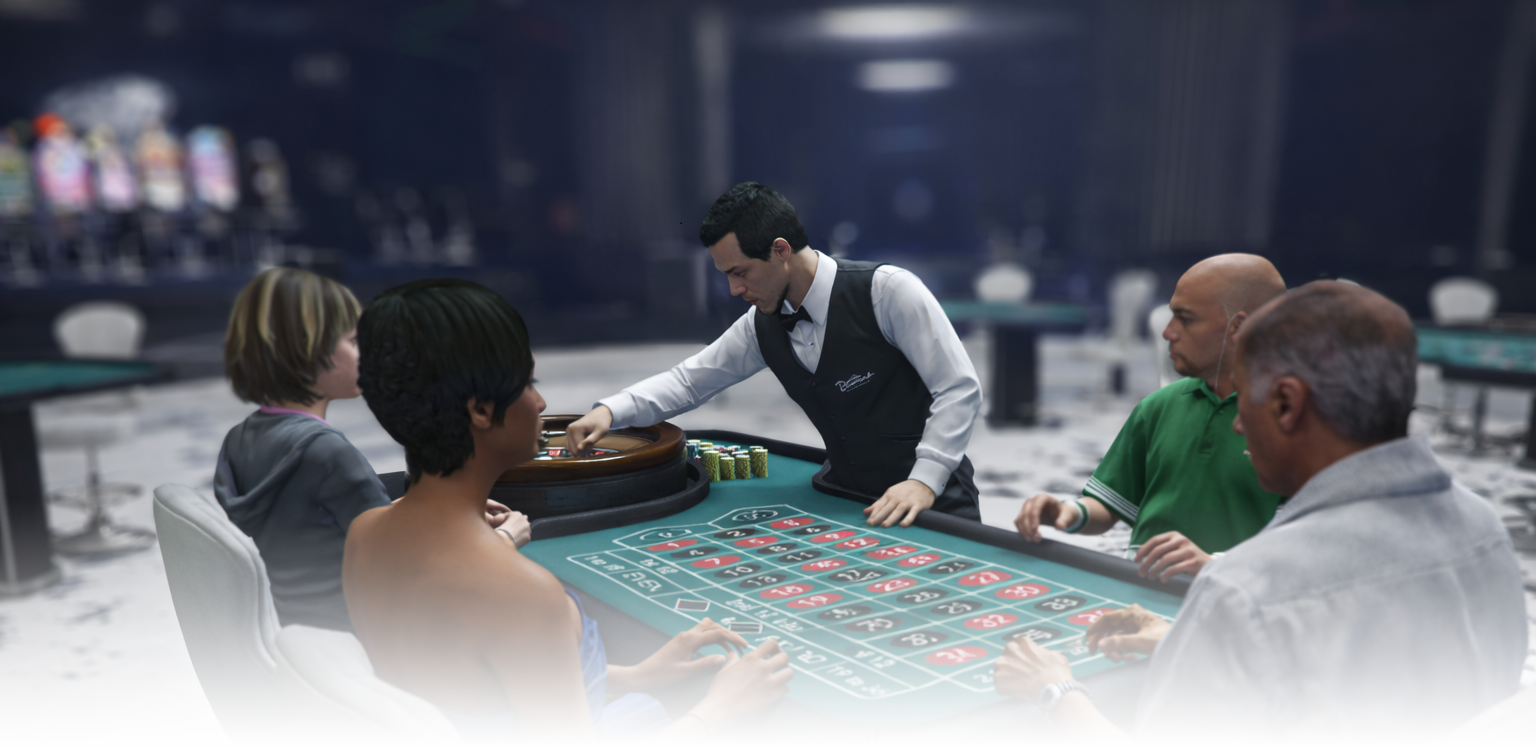
## Ambient Roulette Tables

The Ambient toggle in editor controls whether a roulette table is treated as an ambient/background table (`isAmbient = true`).

<div data-full-width="false"><figure><img src="https://1037498771-files.gitbook.io/~/files/v0/b/gitbook-x-prod.appspot.com/o/spaces%2F-MZErcztD5BvrKnwRGJq%2Fuploads%2Fgit-blob-f83f14fbe79faa1180576cca480ac45fe2445744%2Froulette_ambient.png?alt=media" alt=""><figcaption></figcaption></figure></div>

Ambient spectator/nearby ped models are configured in `configs/games/poker.lua` in the `TableAmbientPeds` list. Roulette, blackjack and poker all draw their ambient peds from this list, so a model added here shows up around every table type.

```lua
TableAmbientPeds = {
    "a_f_m_bevhills_01",
    "a_m_m_bevhills_01",
    "a_m_m_fatlatin_01",
    "a_f_y_fitness_01",
    "a_f_y_smartcaspat_01",
    "a_m_m_mexlabor_01",
    "a_m_m_tennis_01",
    "a_f_y_vinewood_04",
    "a_f_y_hipster_02",
    "a_f_y_hippie_01",
    "a_f_y_eastsa_01",
    "a_f_o_soucent_01",
    "a_f_m_tramp_01",
    "ADD_YOUR_MODEL_HERE",
}
```