> For the complete documentation index, see [llms.txt](https://documentation.rcore.cz/llms.txt). Markdown versions of documentation pages are available by appending `.md` to page URLs; this page is available as [Markdown](https://documentation.rcore.cz/paid-resources/rcore_casino/features/editor/blip-icons.md).

# Blip Icons

Managing Blip Icons in the Casino Editor

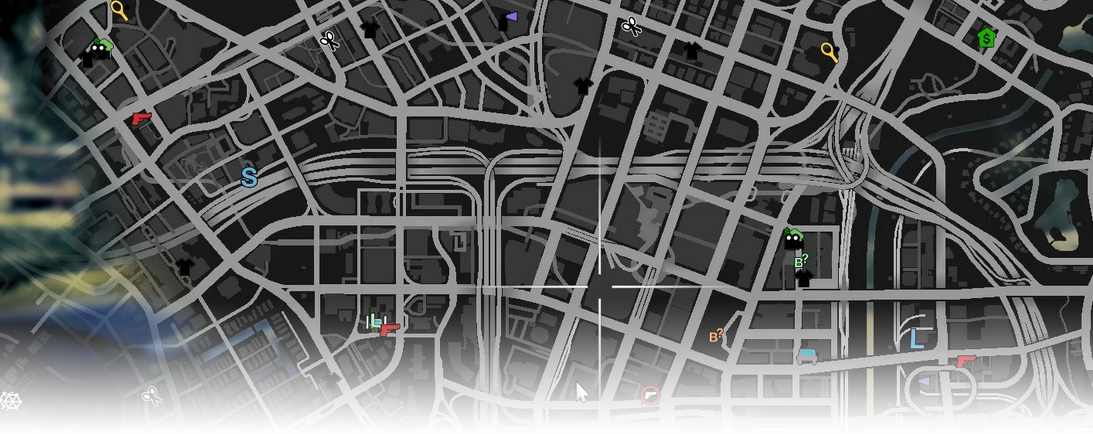
The Blip Icons editor page manages map blips (icon, color, scale, range, and coordinates) that you can use across the map.

<div data-full-width="false"><figure><img src="https://1037498771-files.gitbook.io/~/files/v0/b/gitbook-x-prod.appspot.com/o/spaces%2F-MZErcztD5BvrKnwRGJq%2Fuploads%2Fgit-blob-fdbd73cce221026d2d0b66a8fcfc52806660a80a%2Fcapt_blips.png?alt=media" alt=""><figcaption></figcaption></figure></div>

### Editor Settings

<table data-full-width="false"><thead><tr><th>Setting</th><th>Info</th></tr></thead><tbody><tr><td>Name</td><td>Choose a display name for the blip</td></tr><tr><td>Blip ID</td><td>Set icon id from GTA/FiveM blip icon definitions</td></tr><tr><td>View Blip Catalog</td><td>Open icon catalog and select from <code>BlipIconDefs</code> list</td></tr><tr><td>Blip Color</td><td>Set blip color id (<code>BlipColors</code> mapping)</td></tr><tr><td>Blip Size</td><td>Set blip scale (step-based)</td></tr><tr><td>Short Range</td><td>Show only when nearby/minimap range rules apply</td></tr><tr><td>Load Only Inside Interiors</td><td>Enable or disable loading this blip in interiors</td></tr><tr><td>Coords (X/Y/Z)</td><td>Set blip world coordinates</td></tr><tr><td>Use Current Coords</td><td>Copy current player position into blip coordinates</td></tr><tr><td>Add Blip</td><td>Create a new blip at current player position</td></tr><tr><td>Delete Blip</td><td>Delete selected blip</td></tr></tbody></table>

## BlipIconDefs / BlipColors

Editor icon catalog and color labels are sourced from `rcore_casino/const_blips.lua` (`BlipIconDefs`, `BlipColors`).

Use the catalog page in editor for visual icon selection.

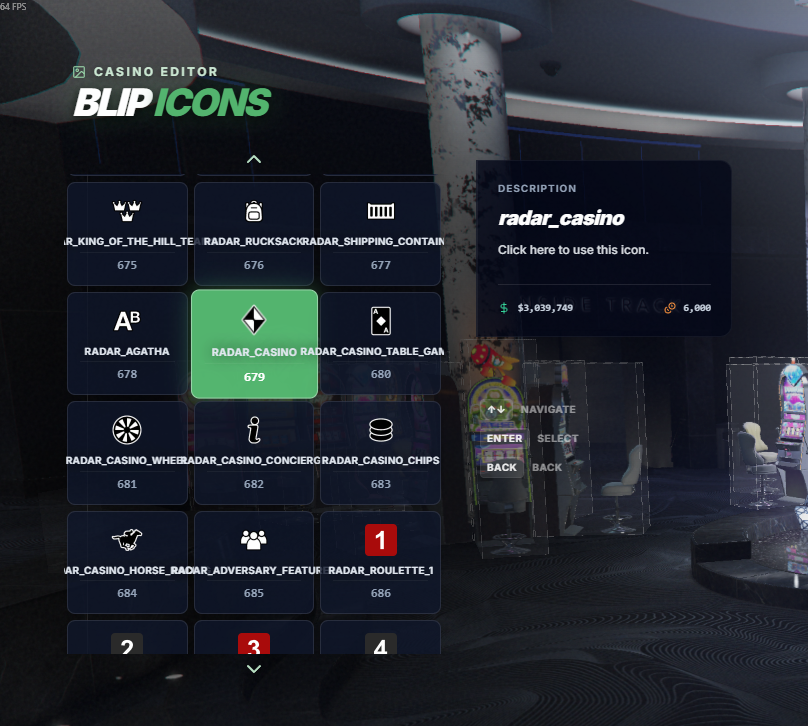
## Blip Catalog

Feel free to check the blip catalog in the menu, which lets you find the best blip icon easier.

<div data-full-width="false"><figure><img src="https://1037498771-files.gitbook.io/~/files/v0/b/gitbook-x-prod.appspot.com/o/spaces%2F-MZErcztD5BvrKnwRGJq%2Fuploads%2Fgit-blob-dd41b8d64d183a103fd88cf10b4f983540a4438b%2Fblip_catalog.png?alt=media" alt=""><figcaption></figcaption></figure></div>

Or you can use the fivem docs page: <https://docs.fivem.net/docs/game-references/blips/>