> For the complete documentation index, see [llms.txt](https://documentation.rcore.cz/llms.txt). Markdown versions of documentation pages are available by appending `.md` to page URLs; this page is available as [Markdown](https://documentation.rcore.cz/paid-resources/rcore_casino/features/editor/elevators.md).

# Elevators

Managing Elevators in the Casino Editor

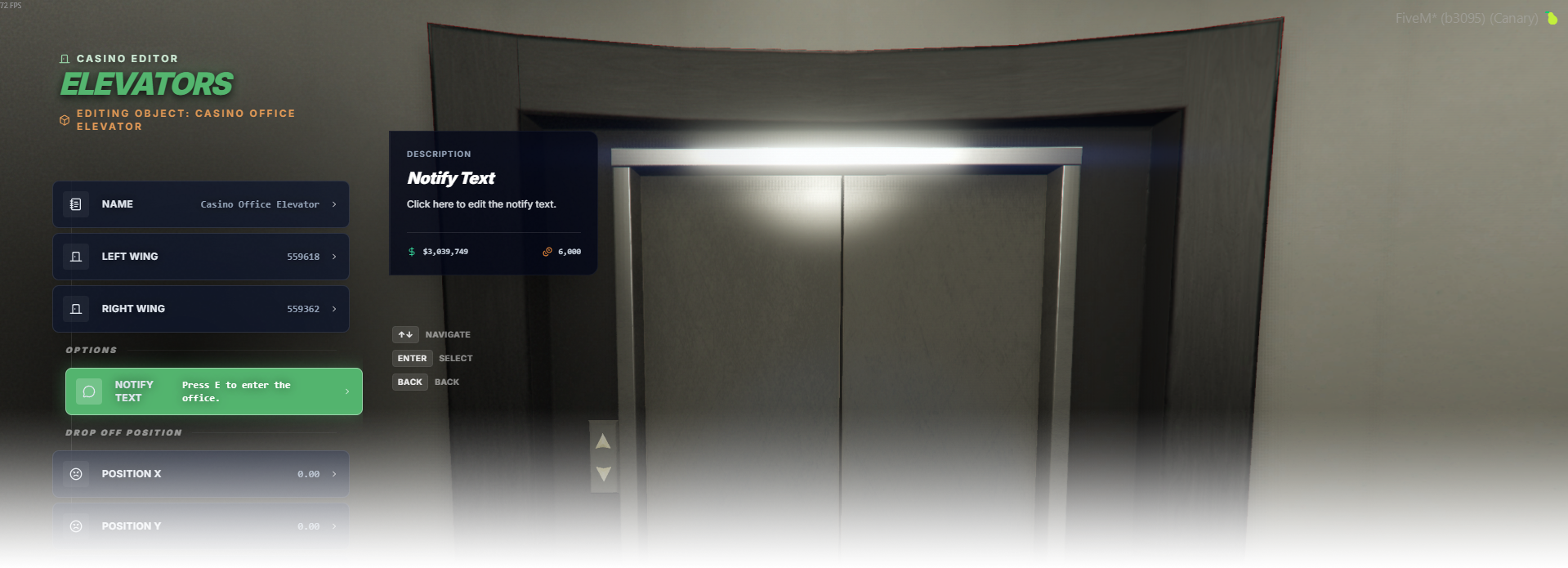
The Elevators editor page lets you link existing elevator doors from your interior and make them usable by linking the left and right doors, then choosing a drop-off position.

<div data-full-width="false"><figure><img src="https://1037498771-files.gitbook.io/~/files/v0/b/gitbook-x-prod.appspot.com/o/spaces%2F-MZErcztD5BvrKnwRGJq%2Fuploads%2Fgit-blob-672c8420899afceebe6e2a932c765363ff7a786d%2Fcapt_elevator.png?alt=media" alt=""><figcaption></figcaption></figure></div>

### Editor Settings

<table data-full-width="false"><thead><tr><th>Setting</th><th>Info</th></tr></thead><tbody><tr><td>Name</td><td>Choose a display name for the elevator group</td></tr><tr><td>Left wing</td><td>Open linker for the left elevator door object</td></tr><tr><td>Right wing</td><td>Open linker for the right elevator door object</td></tr><tr><td>Notify text</td><td>Set interaction prompt shown near elevator target (for example <code>Press E to enter.</code>)</td></tr><tr><td>Drop-off X/Y/Z</td><td>Target teleport position after entering elevator</td></tr><tr><td>Drop-off heading</td><td>Player heading after teleport</td></tr><tr><td>Use current coords</td><td>Copy current player position/heading into drop-off fields</td></tr><tr><td>Add elevator</td><td>Create a new elevator group</td></tr><tr><td>Delete elevator</td><td>Delete selected elevator group</td></tr></tbody></table>

## Door linking (left/right wings)

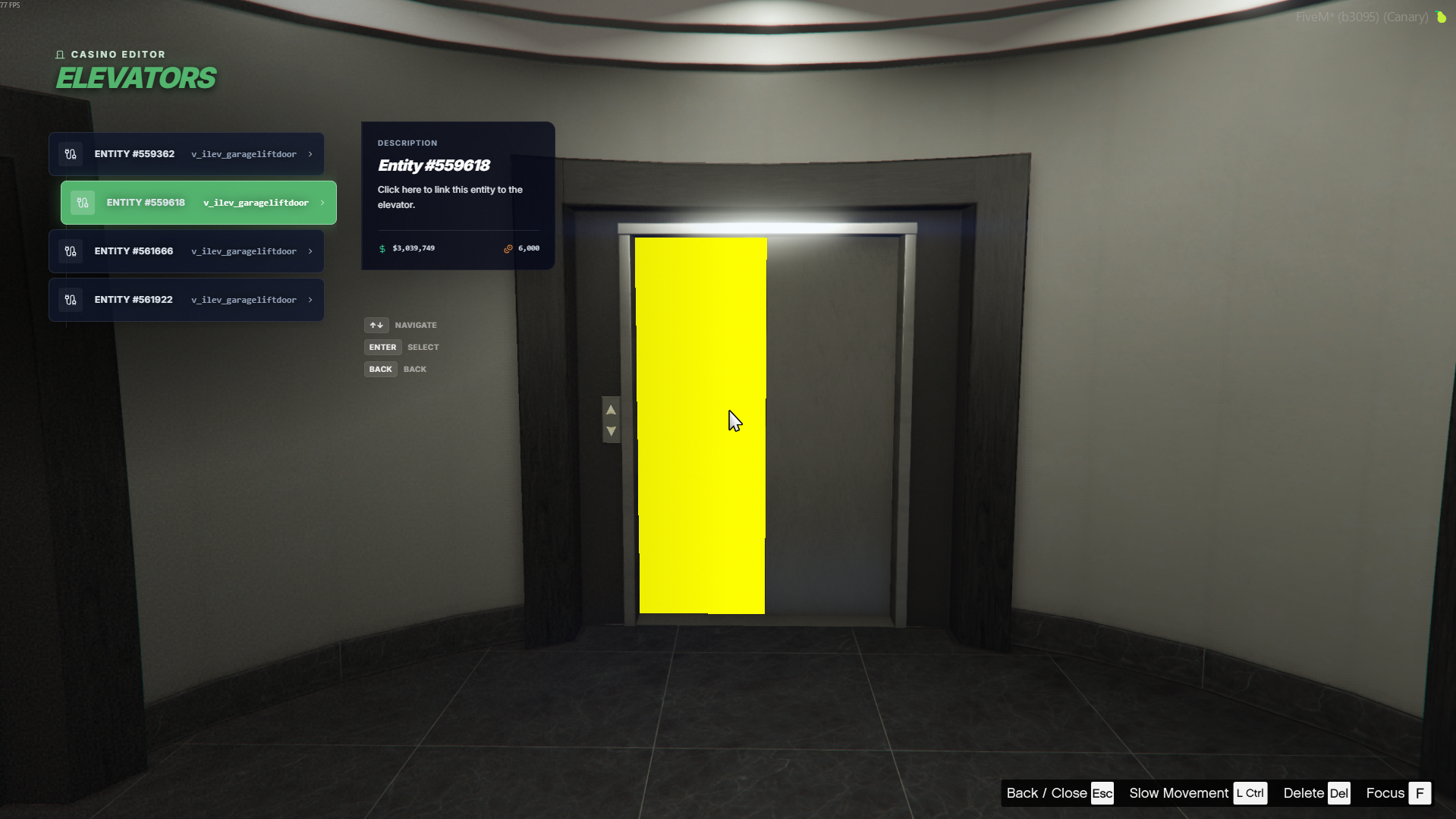
Linking elevator doors:

1. Open an elevator group.
2. Select Left wing or Right wing.
3. The editor scans nearby world objects and shows a list of matching door entities.
4. The selected entity will be blinking, so you're sure you're picking the right object.
5. Pick the correct entity from the list to link that side.

The link list is built from nearby objects (within \~10m) whose model matches `ElevatorModels`, so you get a direct selectable list of valid door entities.

<div data-full-width="false"><figure><img src="https://1037498771-files.gitbook.io/~/files/v0/b/gitbook-x-prod.appspot.com/o/spaces%2F-MZErcztD5BvrKnwRGJq%2Fuploads%2Fgit-blob-61a81e3fbe3803ecca85fb49eb154a22742d43a1%2Felevator_linkink.png?alt=media" alt=""><figcaption></figcaption></figure></div>

## ElevatorModels

Valid linkable door models are defined in `configs/interior/elevators.lua` in `ElevatorModels`.

Only models from this list are shown in the door-link picker.

```lua
ElevatorModels = {
  "v_ilev_garageliftdoor", "ADD_YOUR_DOOR_MODEL_HERE"
}
```

## Interior requirement

The editor only links to elevator doors that already exist in your MLO, so place them there first.