# Poker

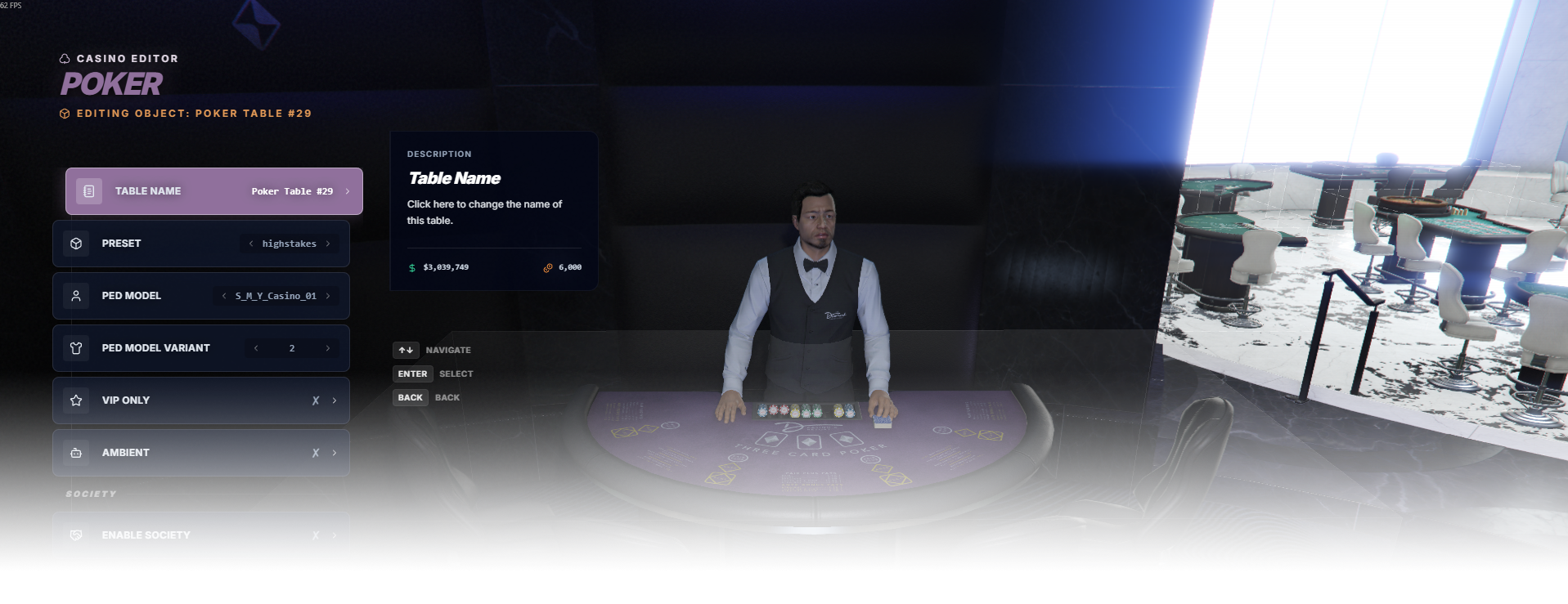
The **Poker** editor page manages poker table placement, presets, dealer model, and access rules.

<div data-full-width="false"><figure><img src="https://1037498771-files.gitbook.io/~/files/v0/b/gitbook-x-prod.appspot.com/o/spaces%2F-MZErcztD5BvrKnwRGJq%2Fuploads%2Fgit-blob-cb8744bc49922db56c45ebb690c45becc6679347%2Fcapt_poker.png?alt=media" alt=""><figcaption></figcaption></figure></div>

### Editor Settings

<table data-full-width="false"><thead><tr><th>Setting</th><th>Type</th><th>Info</th></tr></thead><tbody><tr><td>Name</td><td>Text</td><td>Choose a display name for the poker table</td></tr><tr><td>Table model</td><td>Select/List</td><td>Select the poker table model/hash</td></tr><tr><td>Preset</td><td>Select/List</td><td>Select gameplay preset/config used by this table</td></tr><tr><td>Dealer ped model</td><td>Select/List</td><td>Choose dealer NPC model used for this table</td></tr><tr><td>VIP only</td><td>Toggle</td><td>Restrict table usage to VIP players only</td></tr><tr><td>Ambient</td><td>Toggle</td><td>Mark table as ambient/background mode</td></tr><tr><td>Society enabled</td><td>Toggle</td><td>Enable society/account integration for table revenue</td></tr><tr><td>Society name</td><td>Text/List</td><td>Set society/account name used when society is enabled</td></tr><tr><td>Proximity</td><td>Number</td><td>Set interaction distance in meters</td></tr><tr><td>Load only interiors</td><td>Toggle</td><td>Load this poker table only while players are in interiors</td></tr><tr><td>Create table</td><td>Action</td><td>Create a new poker table at player position</td></tr><tr><td>Delete table</td><td>Action</td><td>Delete selected poker table</td></tr></tbody></table>

## PokerConfigs

Poker presets are defined in `rcore_casino/configs/poker.lua` in the `PokerConfigs` table.

The editor **Preset** field selects one of these preset keys.

<table data-full-width="false"><thead><tr><th>Config field</th><th>Type</th><th>Info</th></tr></thead><tbody><tr><td><code>TextureID</code></td><td>Number</td><td>Table texture/style variant id</td></tr><tr><td><code>Banner</code></td><td>Text</td><td>UI/banner texture dictionary key</td></tr><tr><td><code>Title</code></td><td>Text</td><td>Title displayed for this poker preset</td></tr><tr><td><code>PlaceBetsTime</code></td><td>Number</td><td>Betting phase time in seconds</td></tr><tr><td><code>MinBetValueAntePlay</code></td><td>Number</td><td>Minimum ante/play bet value</td></tr><tr><td><code>MaxBetValueAntePlay</code></td><td>Number</td><td>Maximum ante/play bet value</td></tr><tr><td><code>MinBetValuePairPlus</code></td><td>Number</td><td>Minimum pair-plus bet value</td></tr><tr><td><code>MaxBetValuePairPlus</code></td><td>Number</td><td>Maximum pair-plus bet value</td></tr><tr><td><code>UnluckyRound</code></td><td>Number</td><td>Frequency for configured unlucky rounds</td></tr><tr><td><code>RTP</code></td><td>Object</td><td>Return-to-player tuning range and bias</td></tr><tr><td><code>ExposureBias</code></td><td>List</td><td>Bias tuning by threshold bands</td></tr><tr><td><code>PlayerControls</code></td><td>Object</td><td>Win cap / streak / anti-streak controls</td></tr><tr><td><code>FairnessWindows</code></td><td>Object</td><td>Unbiased vs biased round windows</td></tr></tbody></table>

## PokerPlayableHashes

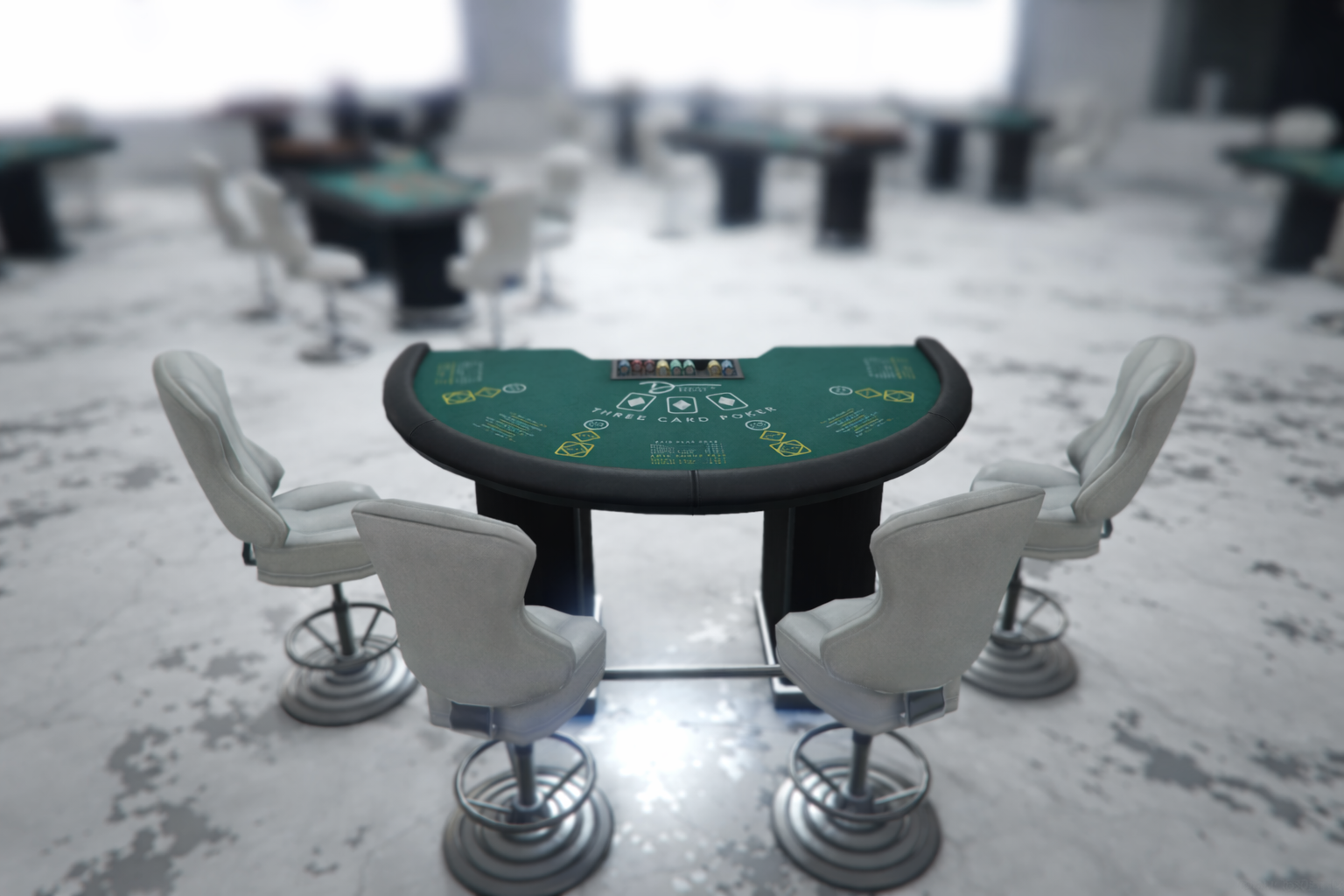
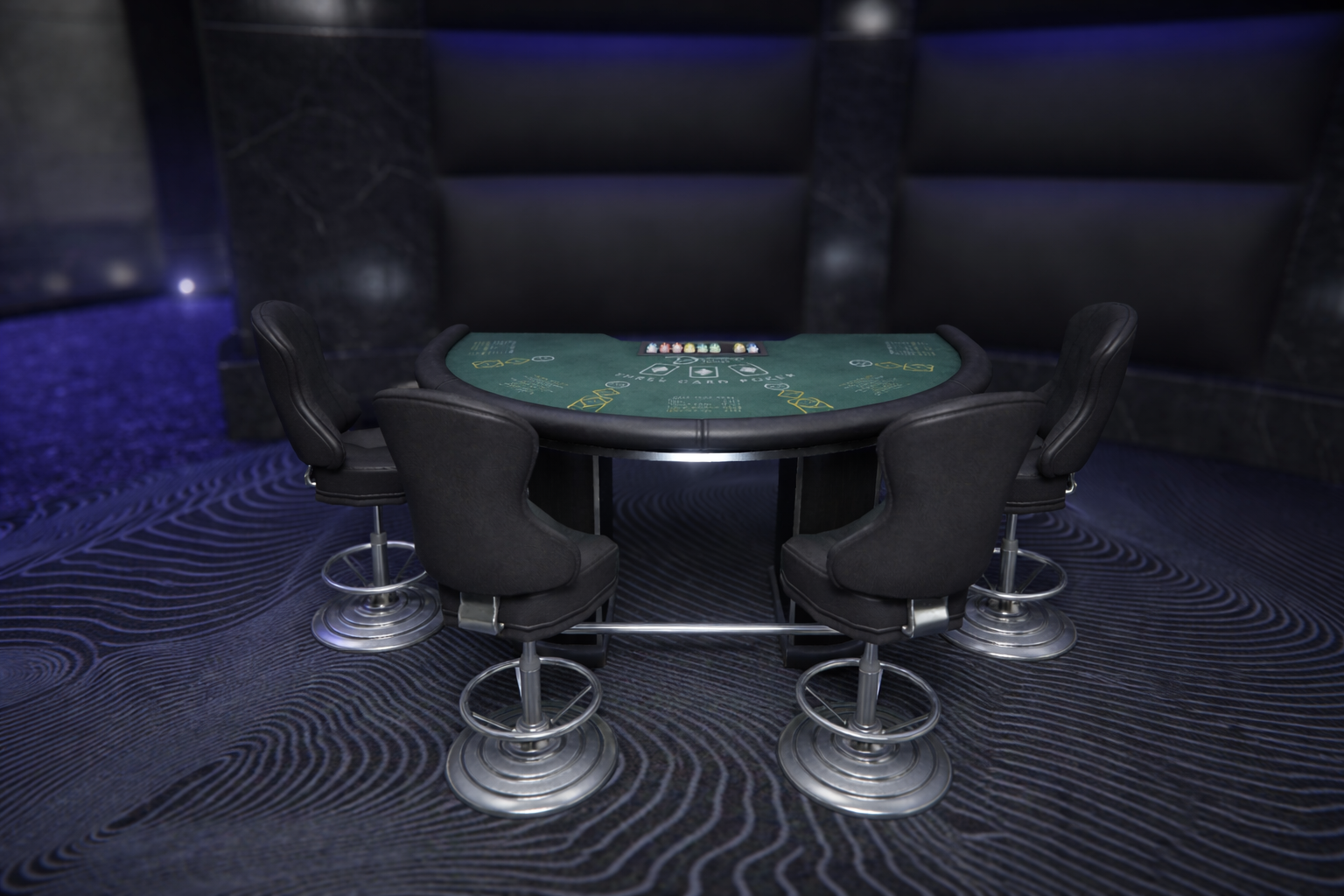
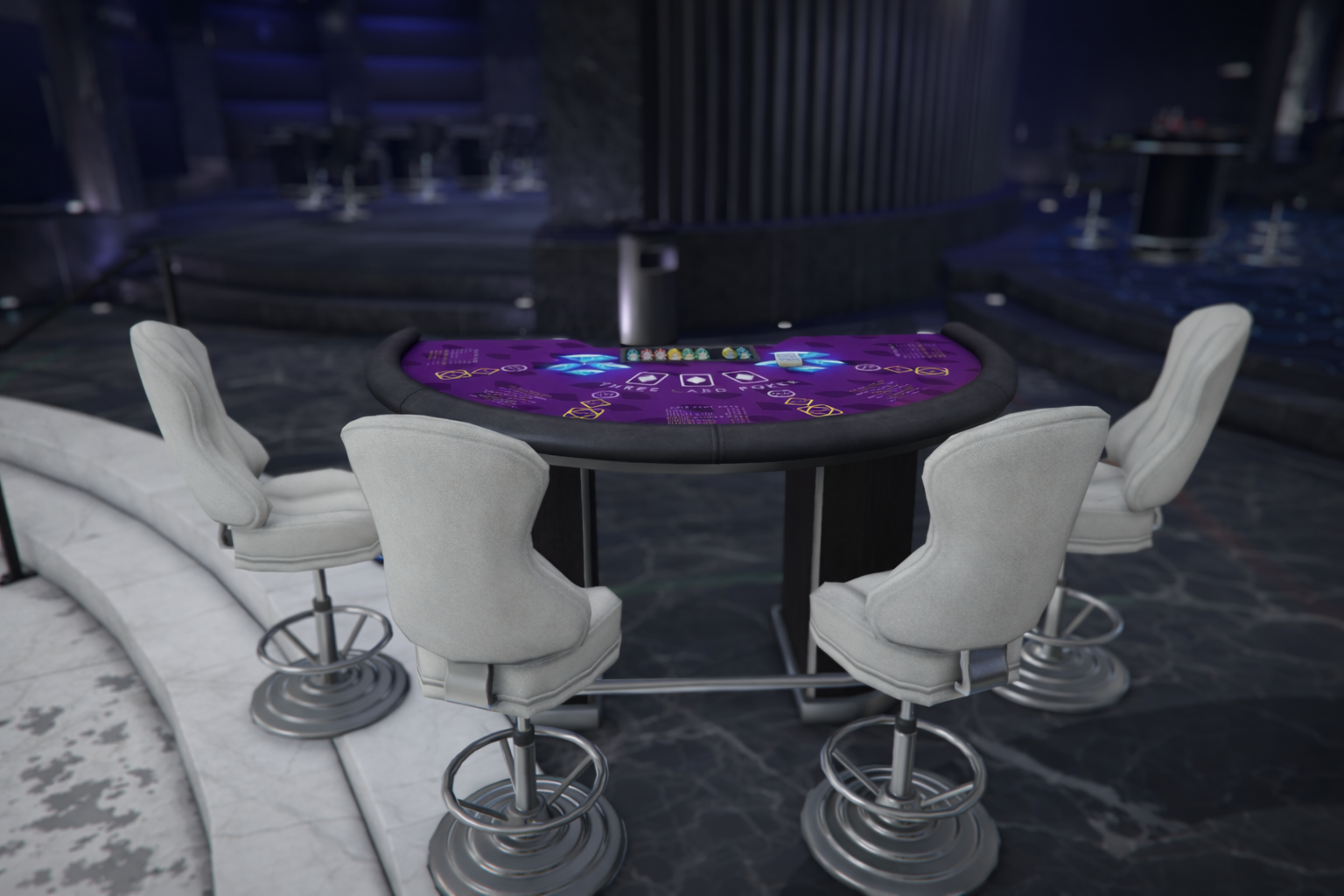
Playable poker models are defined in `rcore_casino/configs/poker.lua` in `PokerPlayableHashes`.

Only models listed in `PokerPlayableHashes` are treated as playable poker tables and are used for editor table-model selection/create defaults.

<table data-full-width="false"><thead><tr><th width="127">Model Preview</th><th>Model Name</th></tr></thead><tbody><tr><td><img src="https://1037498771-files.gitbook.io/~/files/v0/b/gitbook-x-prod.appspot.com/o/spaces%2F-MZErcztD5BvrKnwRGJq%2Fuploads%2Fgit-blob-b447f9b9de79f062ccf467d7a782494a0111b6ea%2Fvw_prop_casino_3cardpoker_01.png?alt=media" alt=""></td><td><code>vw_prop_casino_3cardpoker_01</code></td></tr><tr><td><img src="https://1037498771-files.gitbook.io/~/files/v0/b/gitbook-x-prod.appspot.com/o/spaces%2F-MZErcztD5BvrKnwRGJq%2Fuploads%2Fgit-blob-ea5ee7f593ed440754e3fc7aa4abfc33cf85fce1%2Fvw_prop_casino_3cardpoker_01b.png?alt=media" alt=""></td><td><code>vw_prop_casino_3cardpoker_01b</code></td></tr><tr><td><img src="https://1037498771-files.gitbook.io/~/files/v0/b/gitbook-x-prod.appspot.com/o/spaces%2F-MZErcztD5BvrKnwRGJq%2Fuploads%2Fgit-blob-23ad39d505164d66892f3ec890bbc2dbc73eeede%2Fh4_prop_casino_3cardpoker_01e.png?alt=media" alt=""></td><td><code>h4_prop_casino_3cardpoker_01e</code></td></tr></tbody></table>

## PokerPedModels

Selectable dealer ped models are defined in `rcore_casino/configs/poker.lua` in `PokerPedModels`.

Only models from this list can be selected in the editor for dealer peds.

```lua
PokerPedModels = {"S_M_Y_Casino_01", "S_F_Y_Casino_01", "u_f_m_casinocash_01", "u_f_m_casinoshop_01", "ADD_YOUR_PED_HERE"}
```

## Ambient Poker Tables

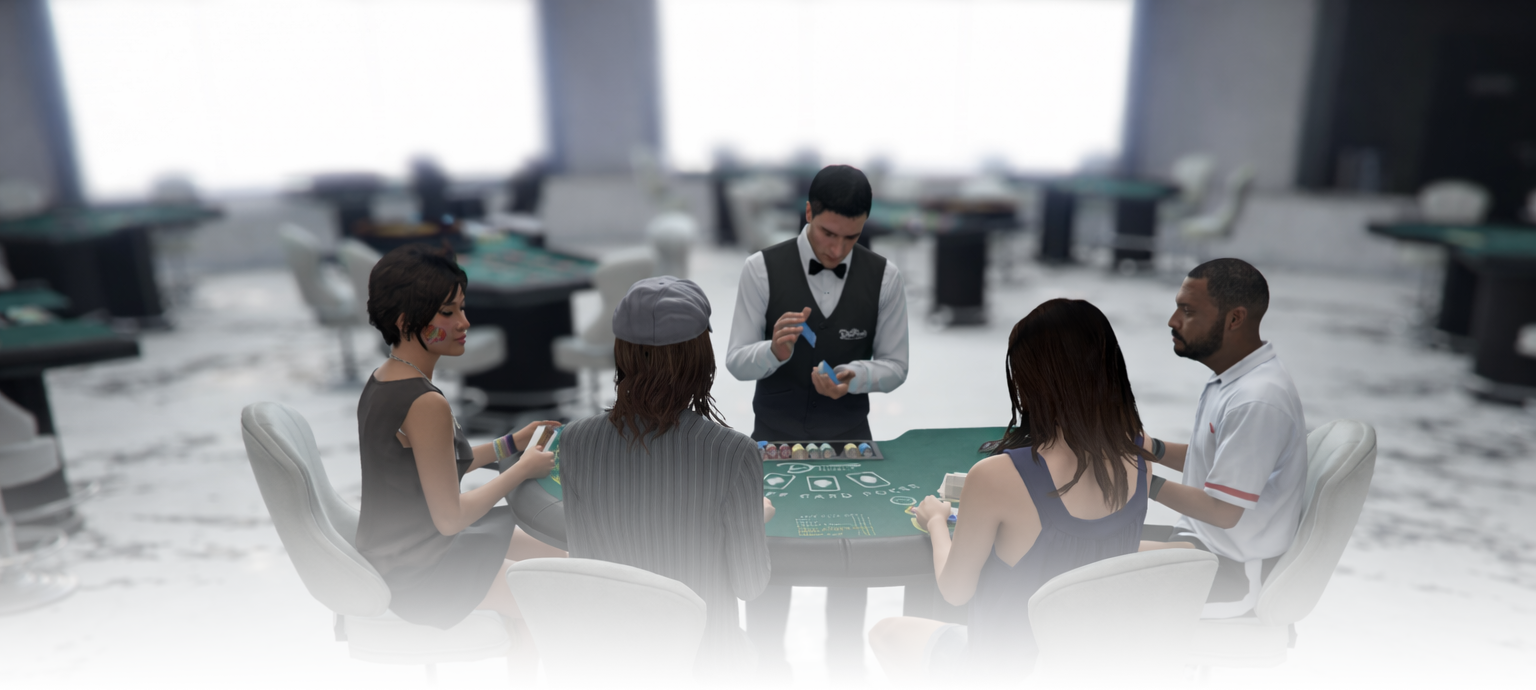
The **Ambient** toggle in editor controls whether a poker table is treated as an ambient/background table (`isAmbient = true`).

<div data-full-width="false"><figure><img src="https://1037498771-files.gitbook.io/~/files/v0/b/gitbook-x-prod.appspot.com/o/spaces%2F-MZErcztD5BvrKnwRGJq%2Fuploads%2Fgit-blob-b6561725b94787ad5fdc8c045701c735850f6c0c%2Fpoker_ambient.png?alt=media" alt=""><figcaption></figcaption></figure></div>

Ambient poker tables are useful for atmosphere and population-style behavior around tables, instead of only active gameplay-focused setups.

Ambient spectator/nearby ped models are configured in `rcore_casino/configs/poker.lua` in the `PokerAmbientPeds` list.

```lua
PokerAmbientPeds = {"a_f_m_bevhills_01", "a_m_m_bevhills_01", "a_m_m_fatlatin_01", "ADD_YOUR_MODEL_HERE"}
```


---

# Agent Instructions: Querying This Documentation

If you need additional information that is not directly available in this page, you can query the documentation dynamically by asking a question.

Perform an HTTP GET request on the current page URL with the `ask` query parameter:

```
GET https://documentation.rcore.cz/paid-resources/rcore_casino/rcore_casino-2/editor/poker.md?ask=<question>
```

The question should be specific, self-contained, and written in natural language.
The response will contain a direct answer to the question and relevant excerpts and sources from the documentation.

Use this mechanism when the answer is not explicitly present in the current page, you need clarification or additional context, or you want to retrieve related documentation sections.